4.1. How to setup own domain?
Follow these steps:
-
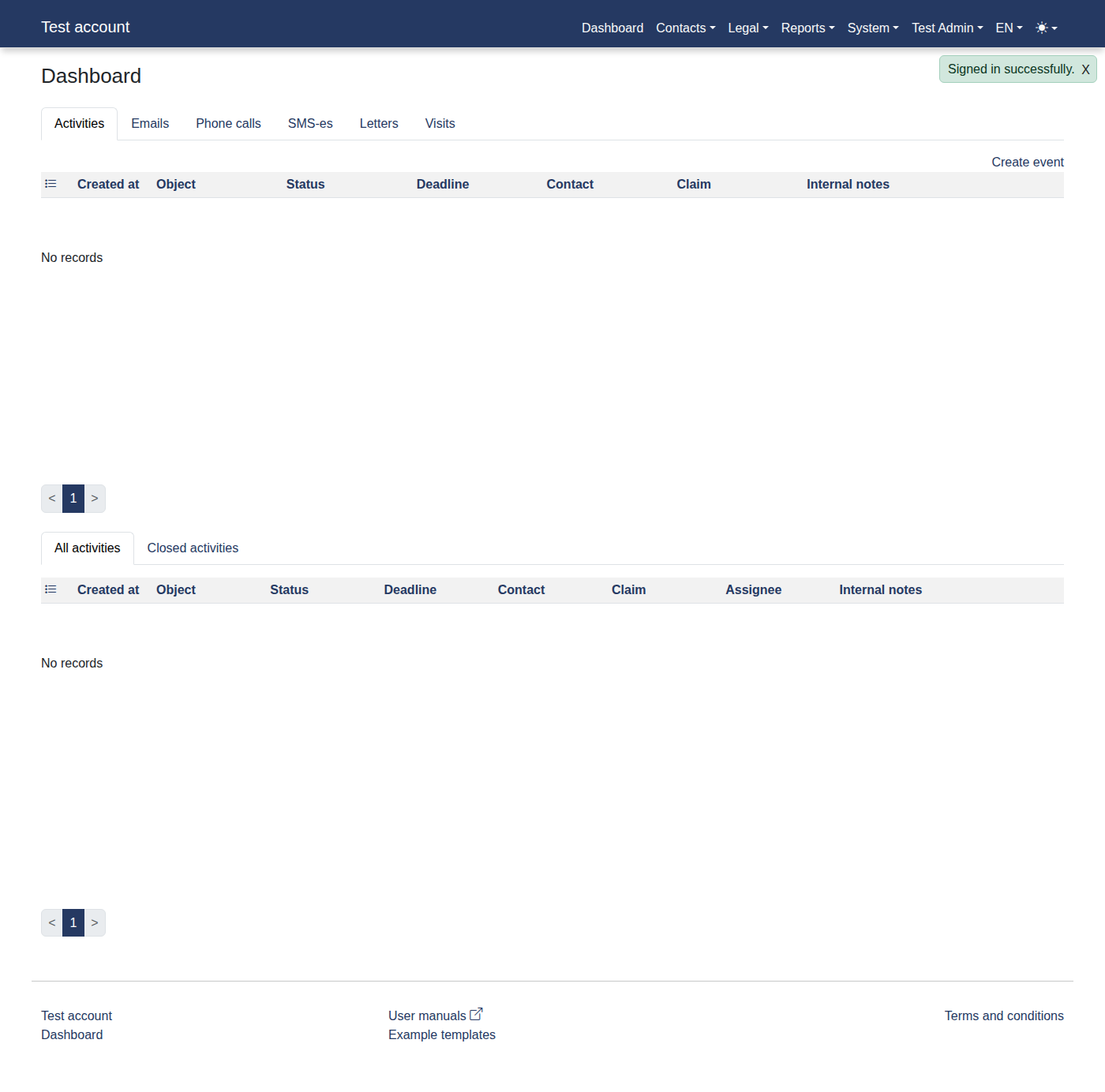
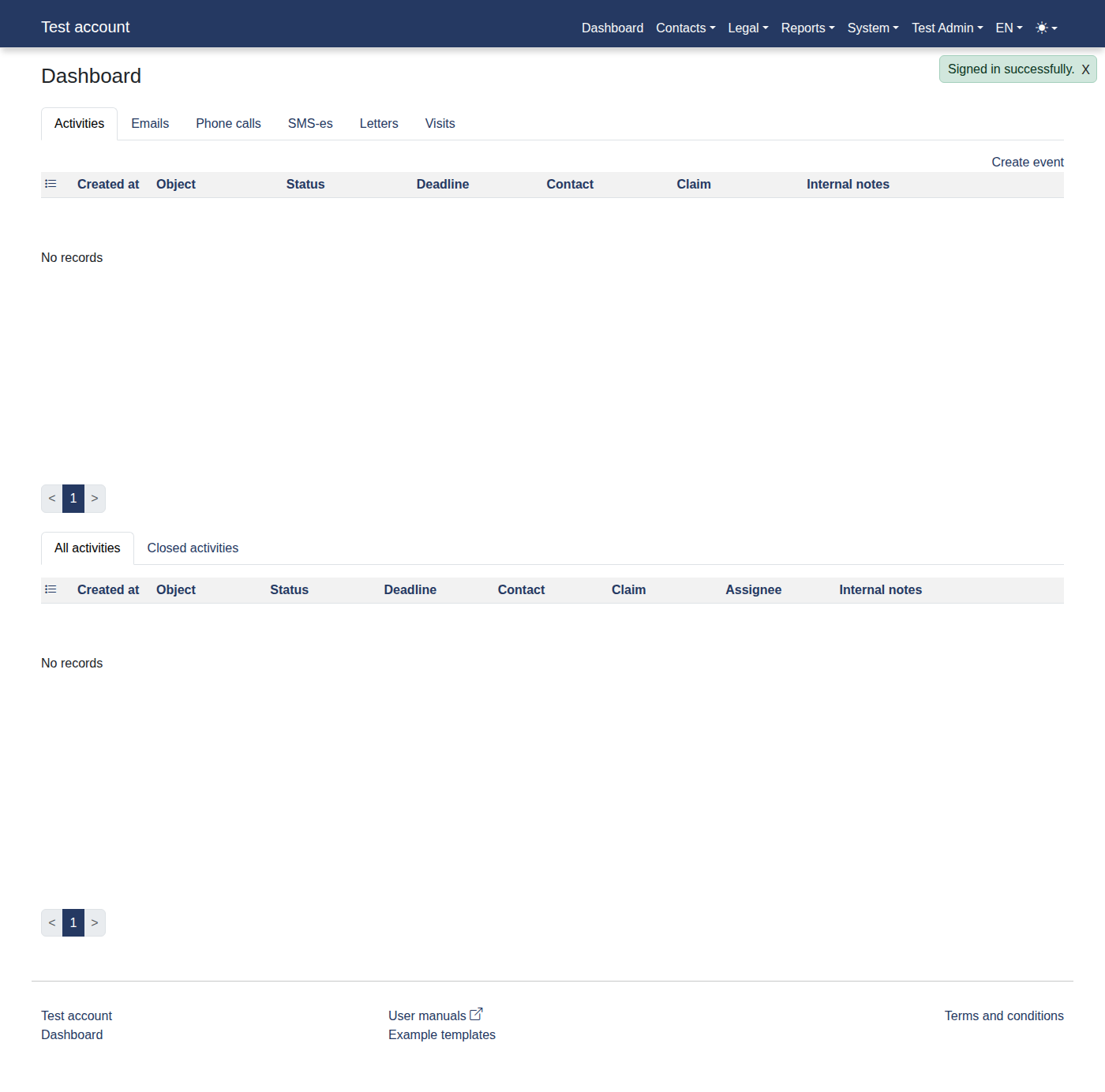
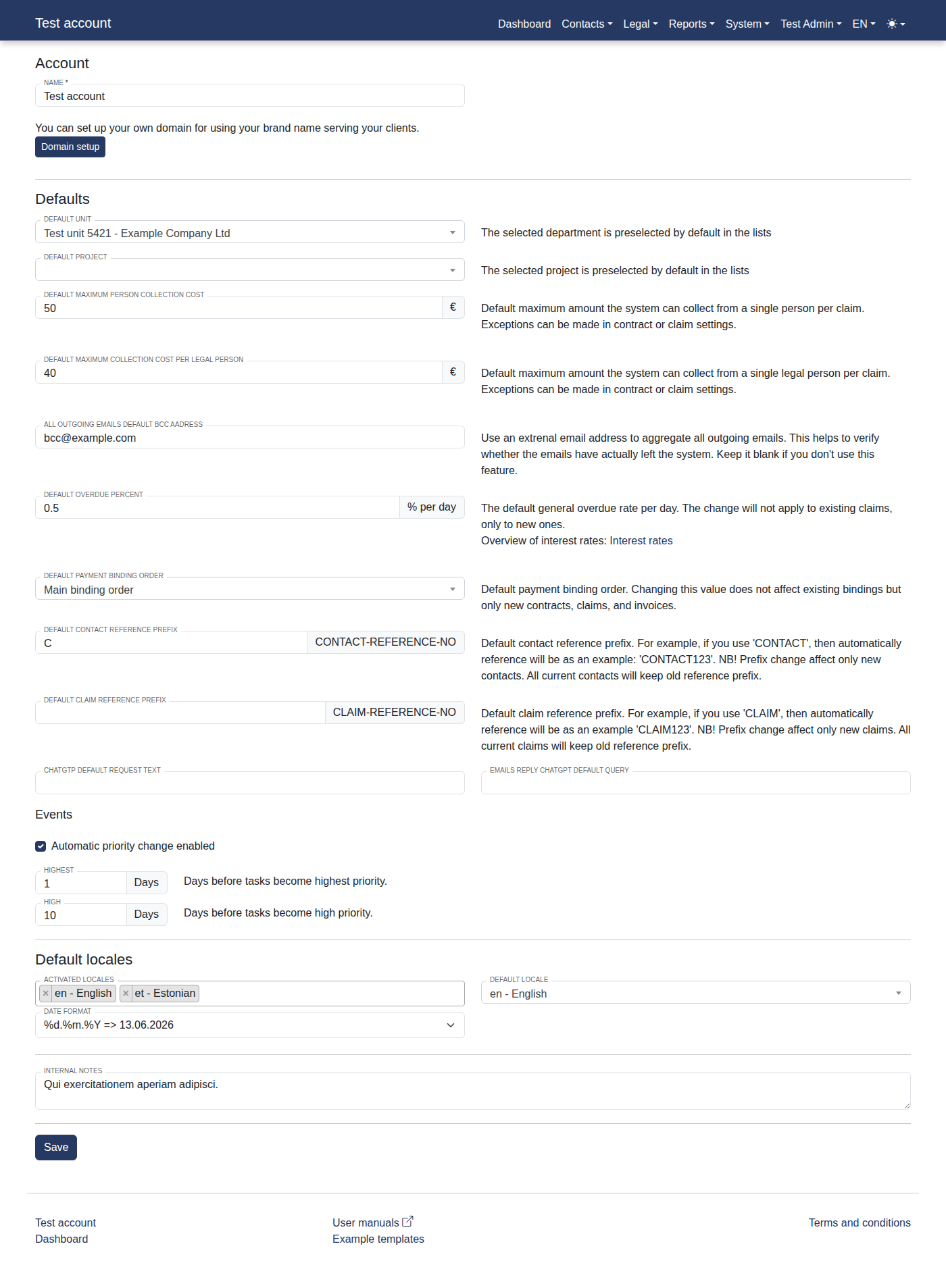
Please log in to the system to access "Dashboard".
-
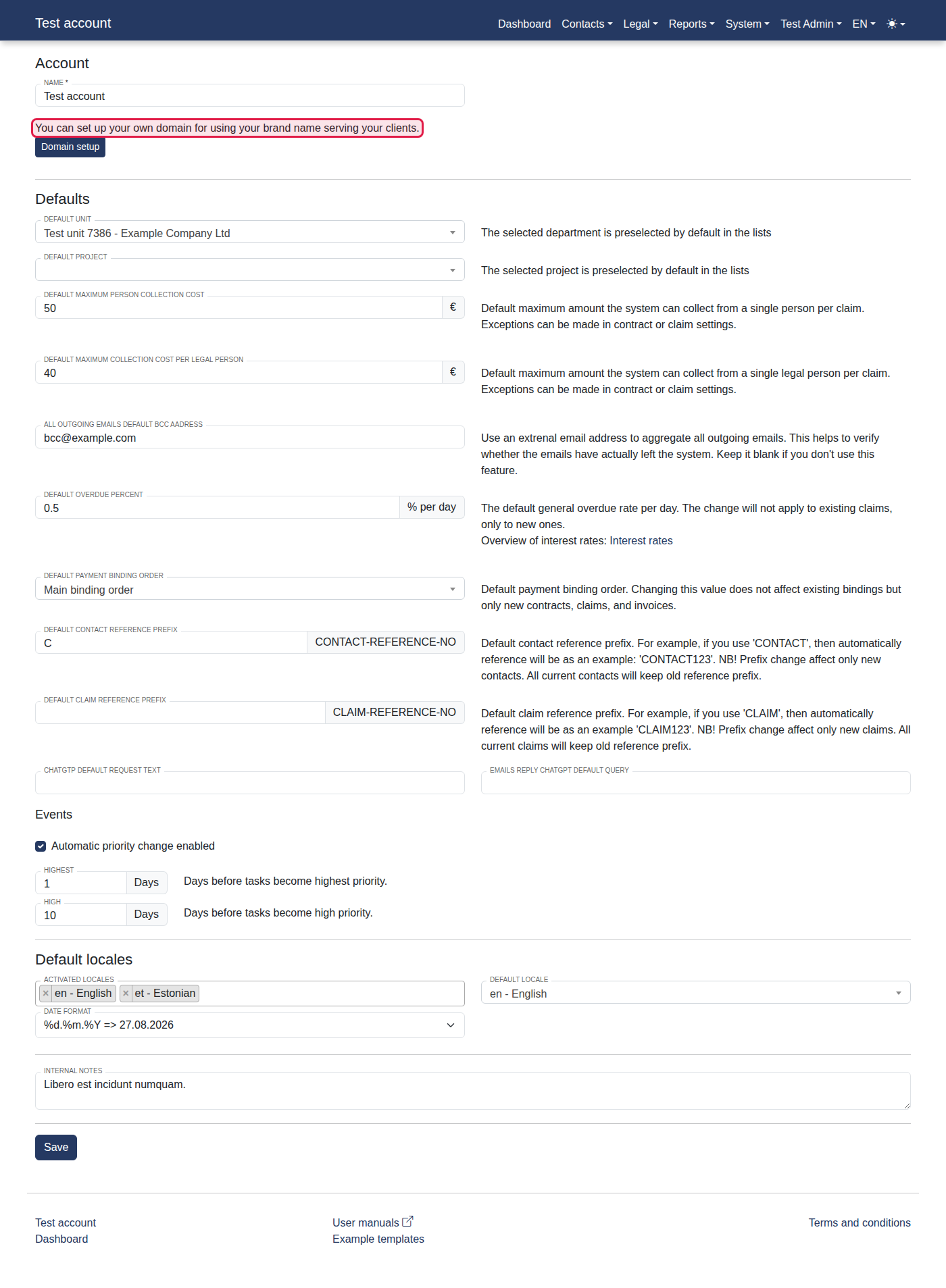
Click menu items: "System -> Test account".
-
You should now see "You can set up your own domain for using your brand name serving your clients.".
-
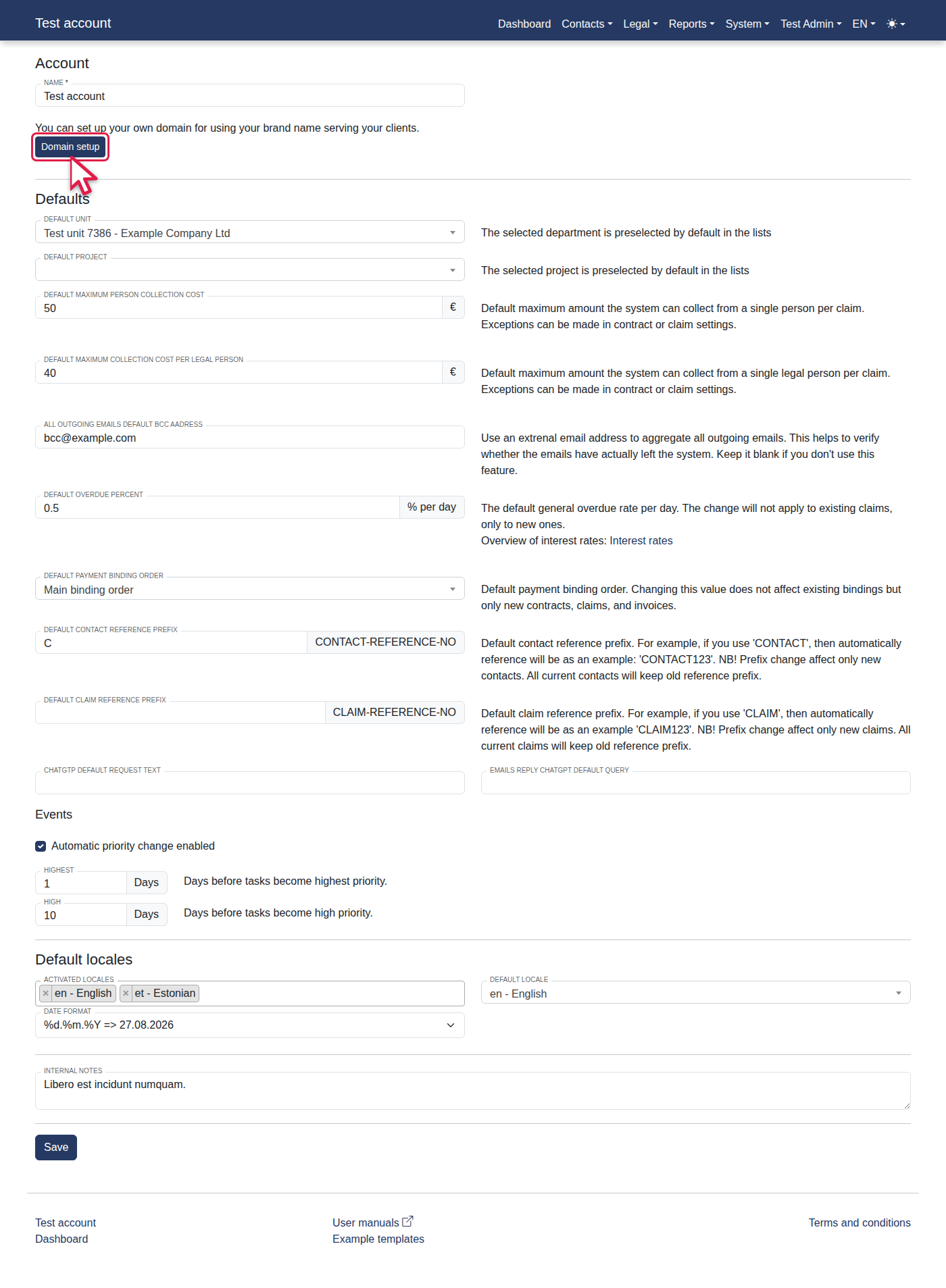
Click the "Domain setup" link.
-
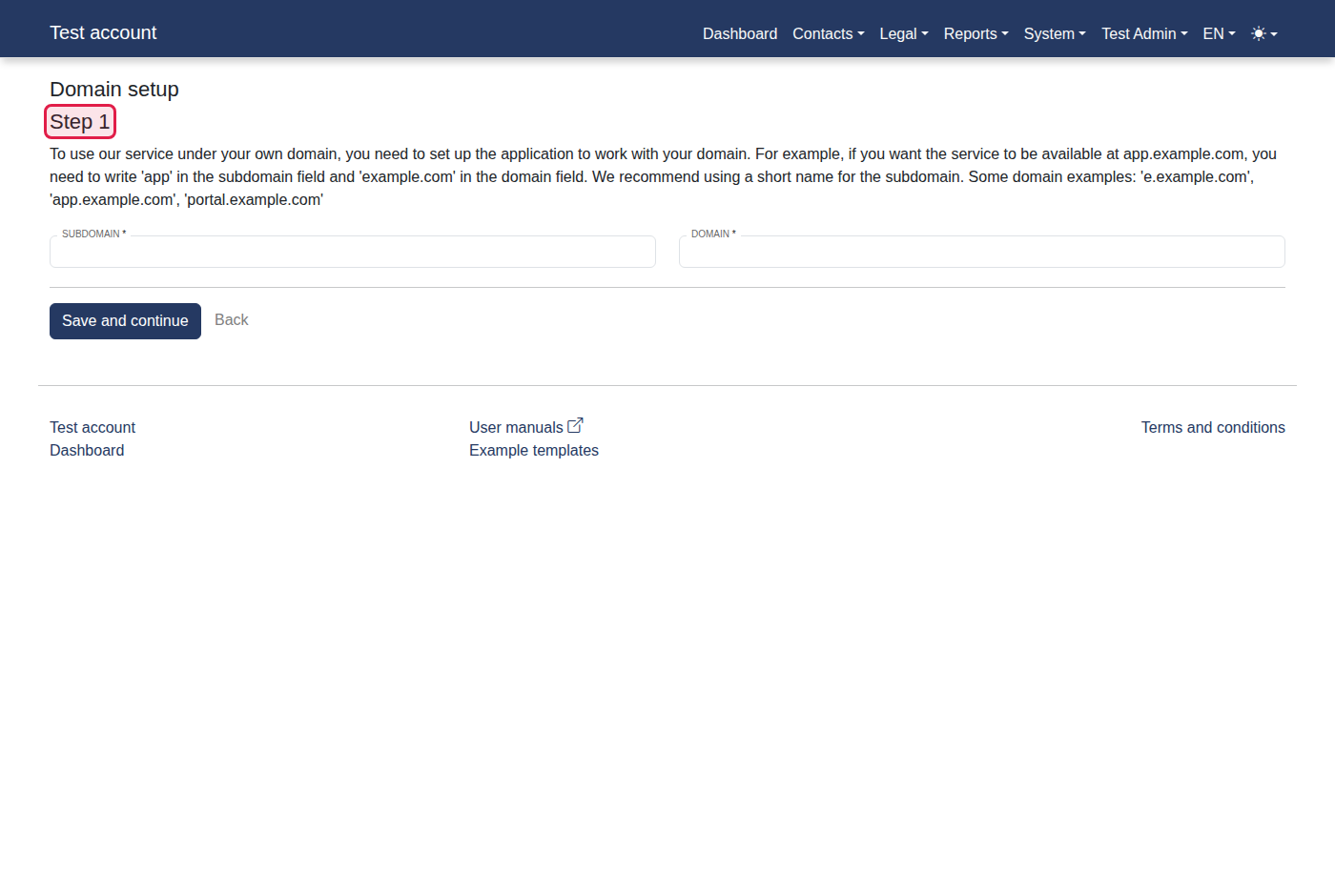
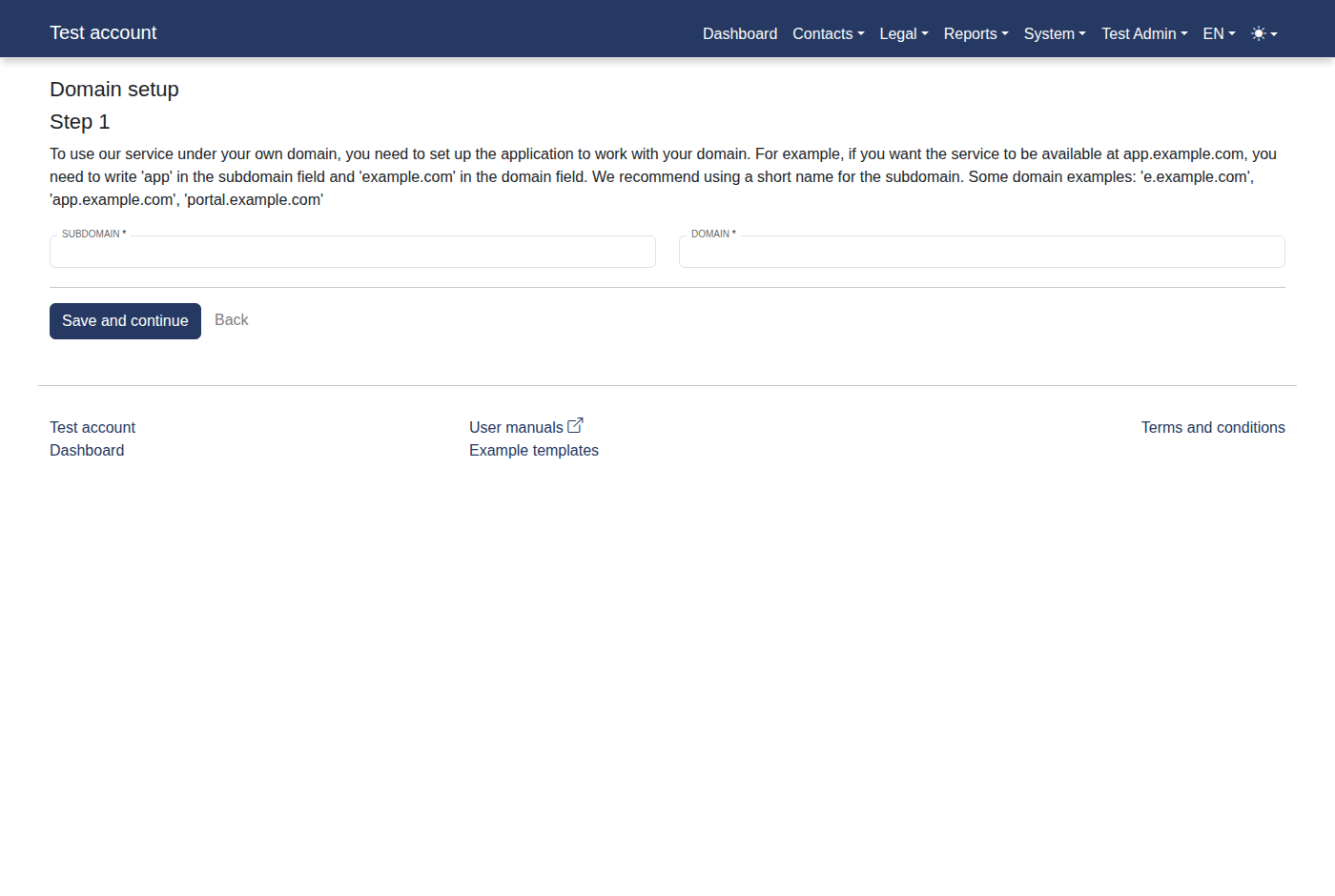
You should now see "Step 1".
-
Fill in Subdomain with "app".
-
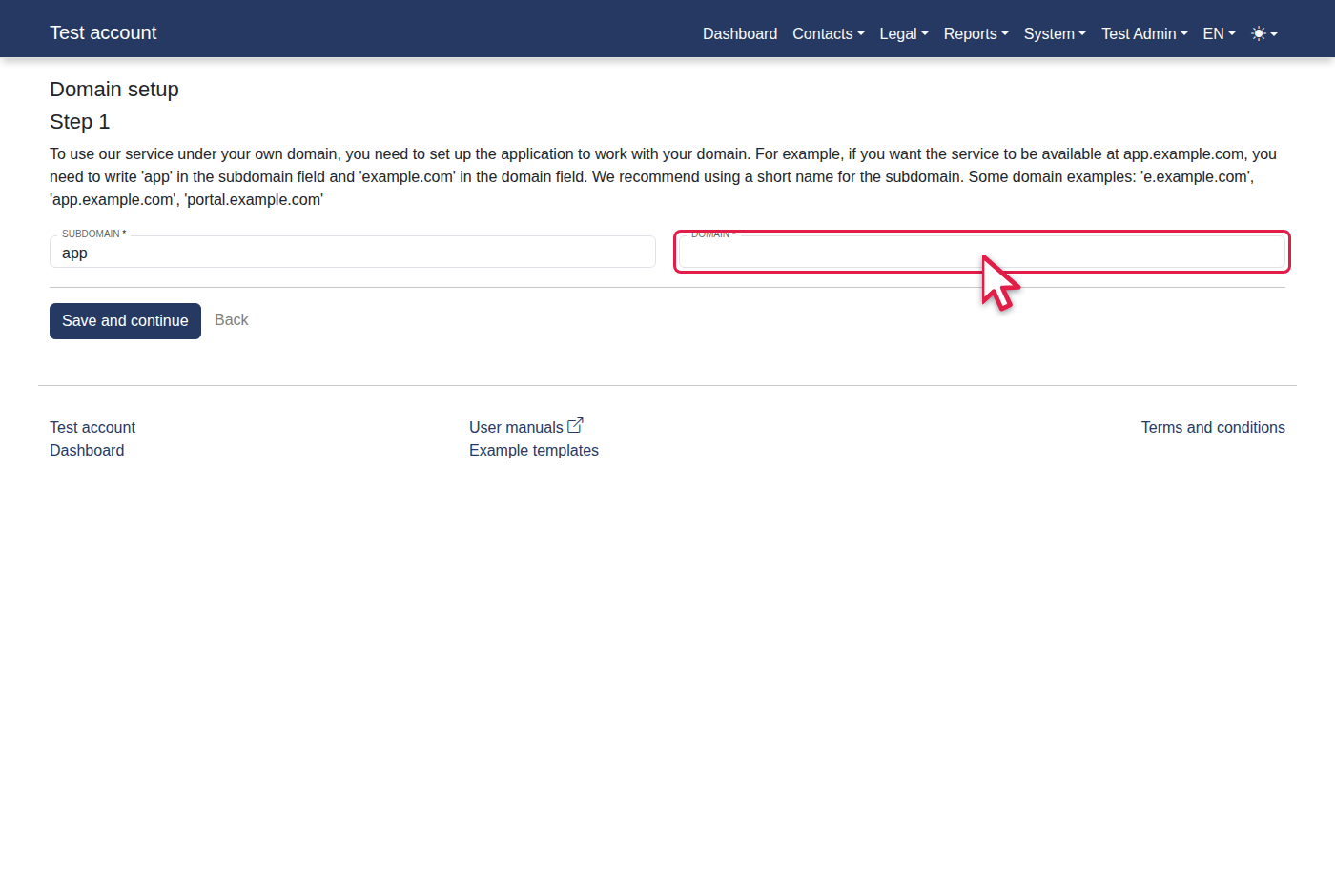
Fill in Domain with "example.com".
-
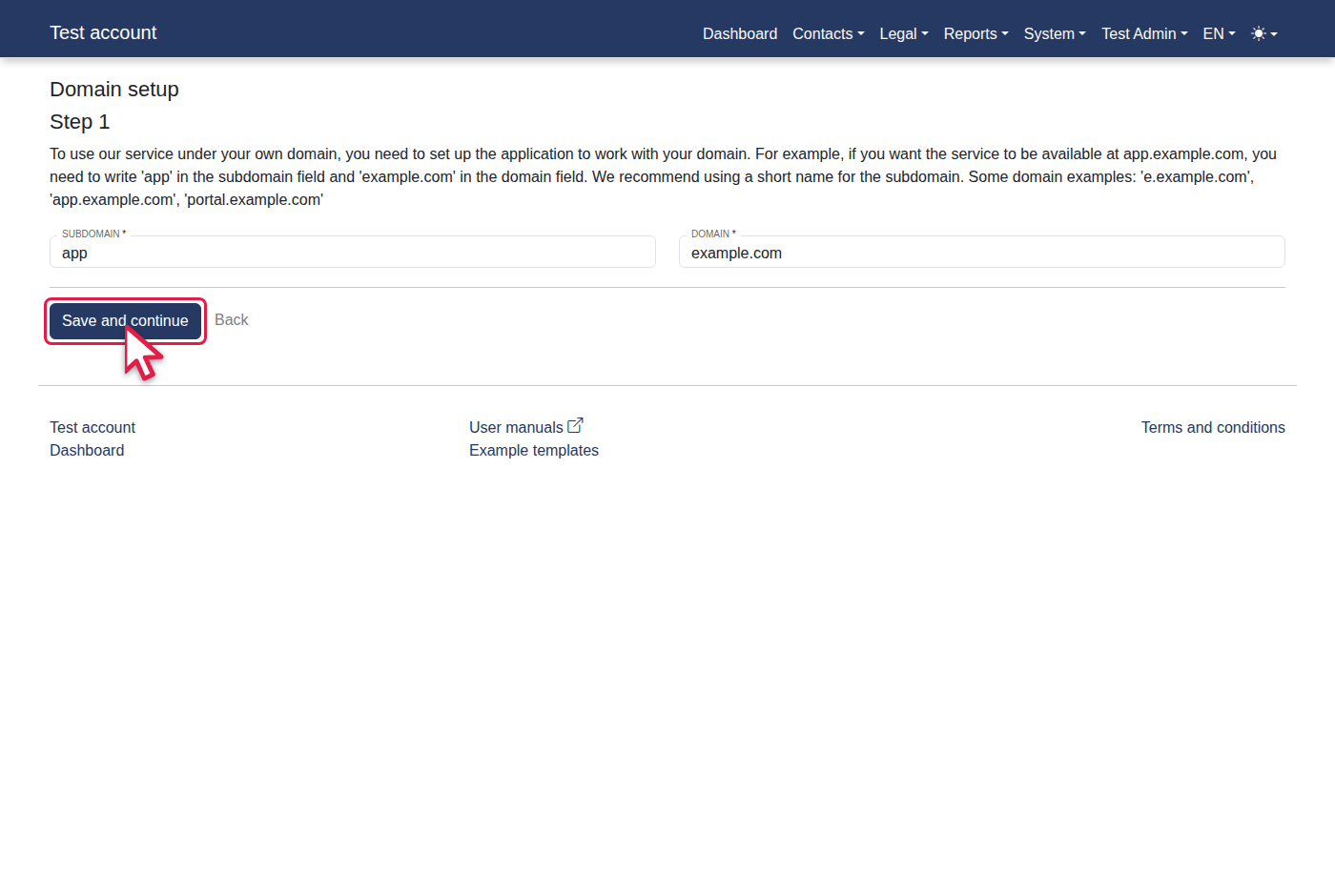
Click "Save and continue".
-
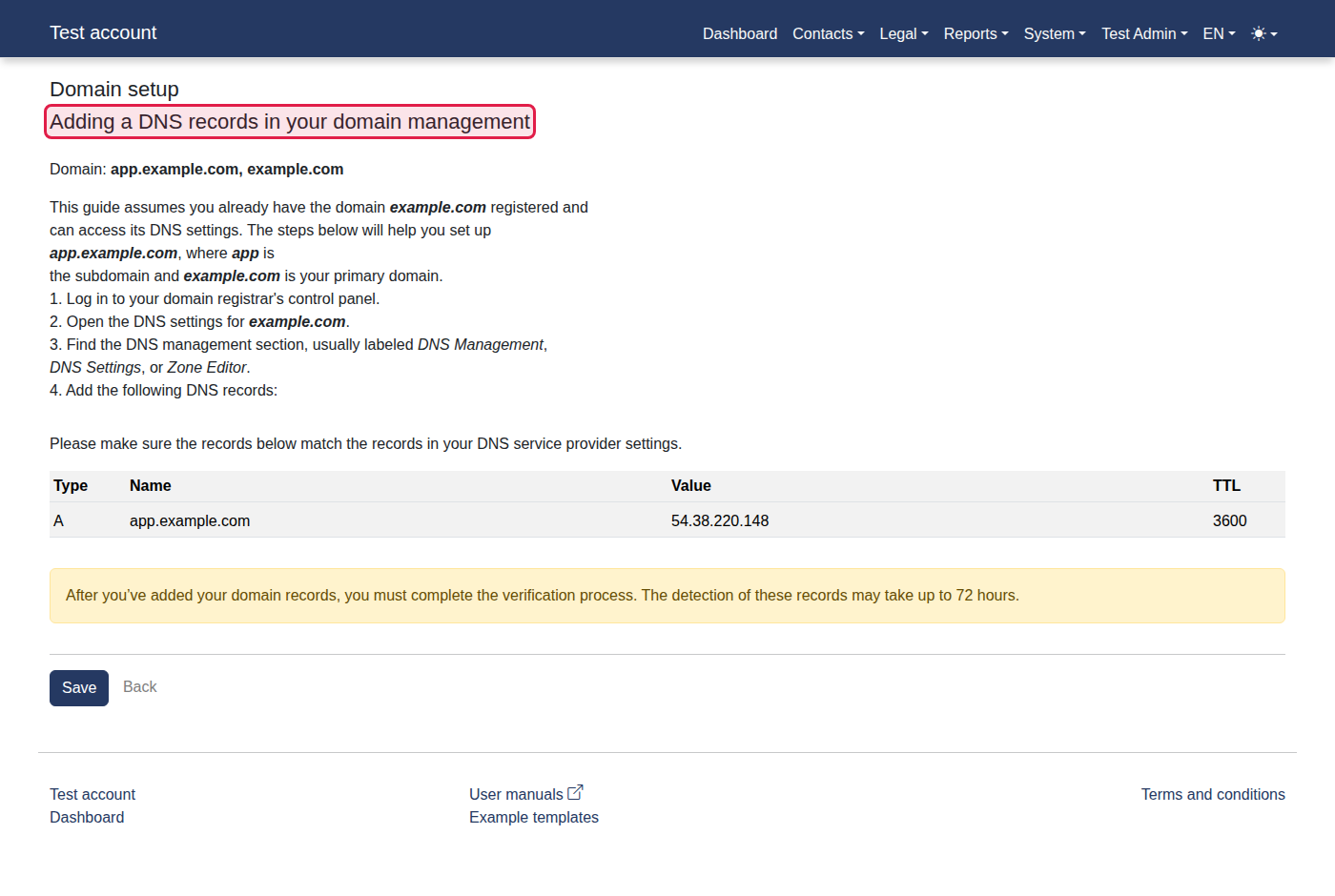
You should now see "Adding a DNS records in your domain management".
-
Click "Save".
-
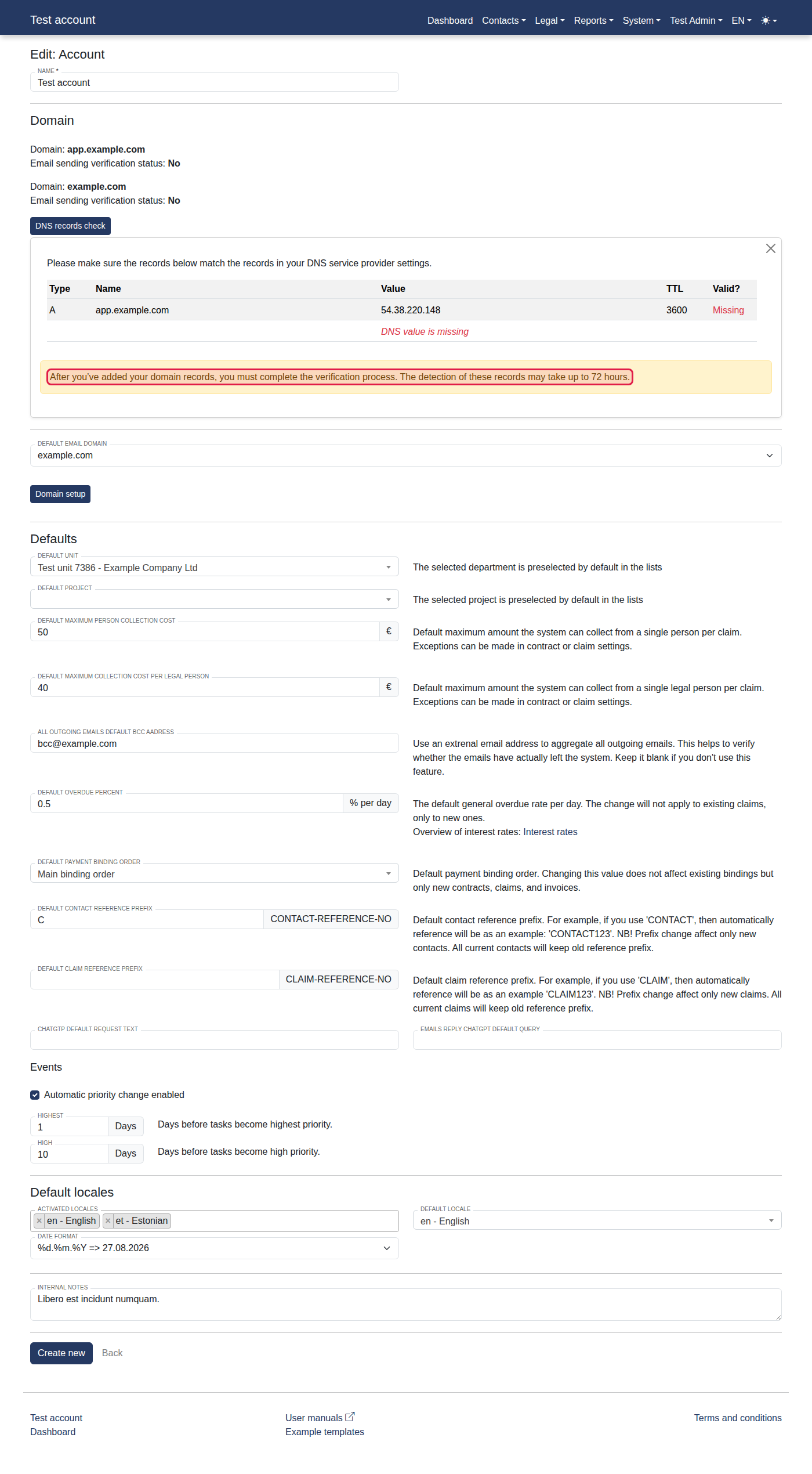
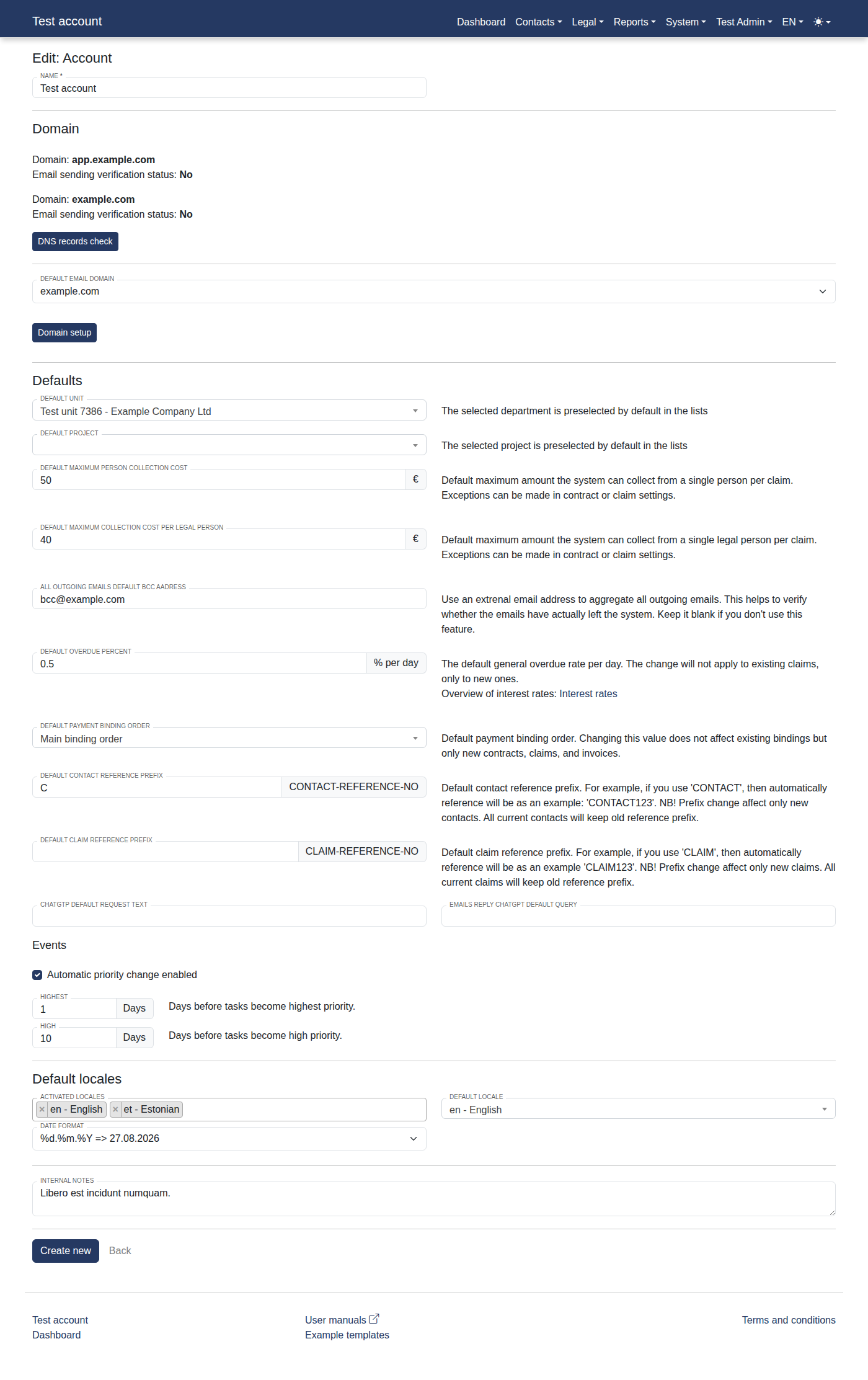
You should now see "Domain: app.example.com".
-
Click the "DNS records check" link.
-
You should now see "After you’ve added your domain records, you must complete the verification process. The detection of these records may take up to 72 hours.".