3.4. How to import claims?
You can import claims manually, with CSV file or automatically with API calls.
You can undo CSV import if you imported wrong file.
Follow these steps:
-
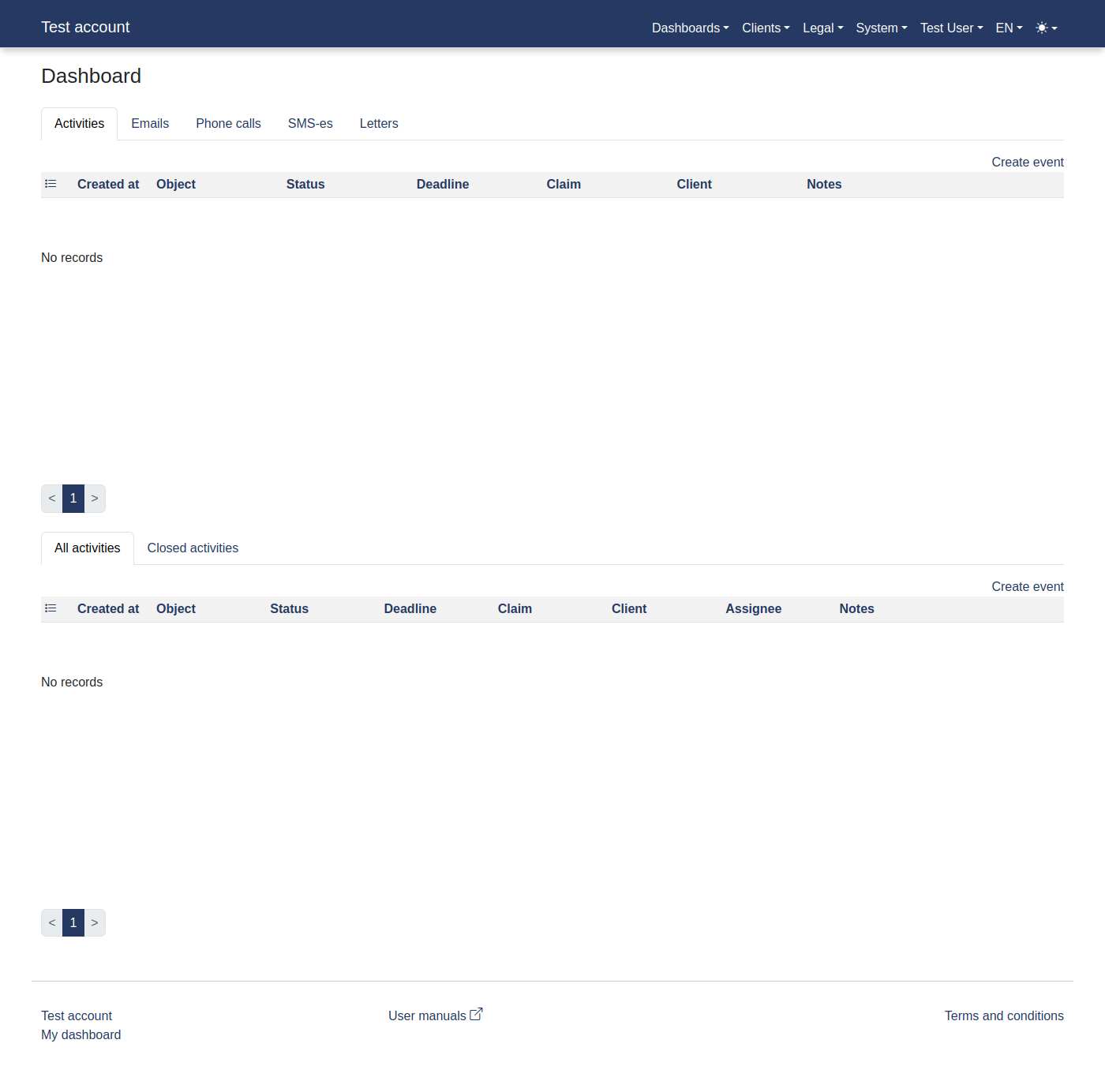
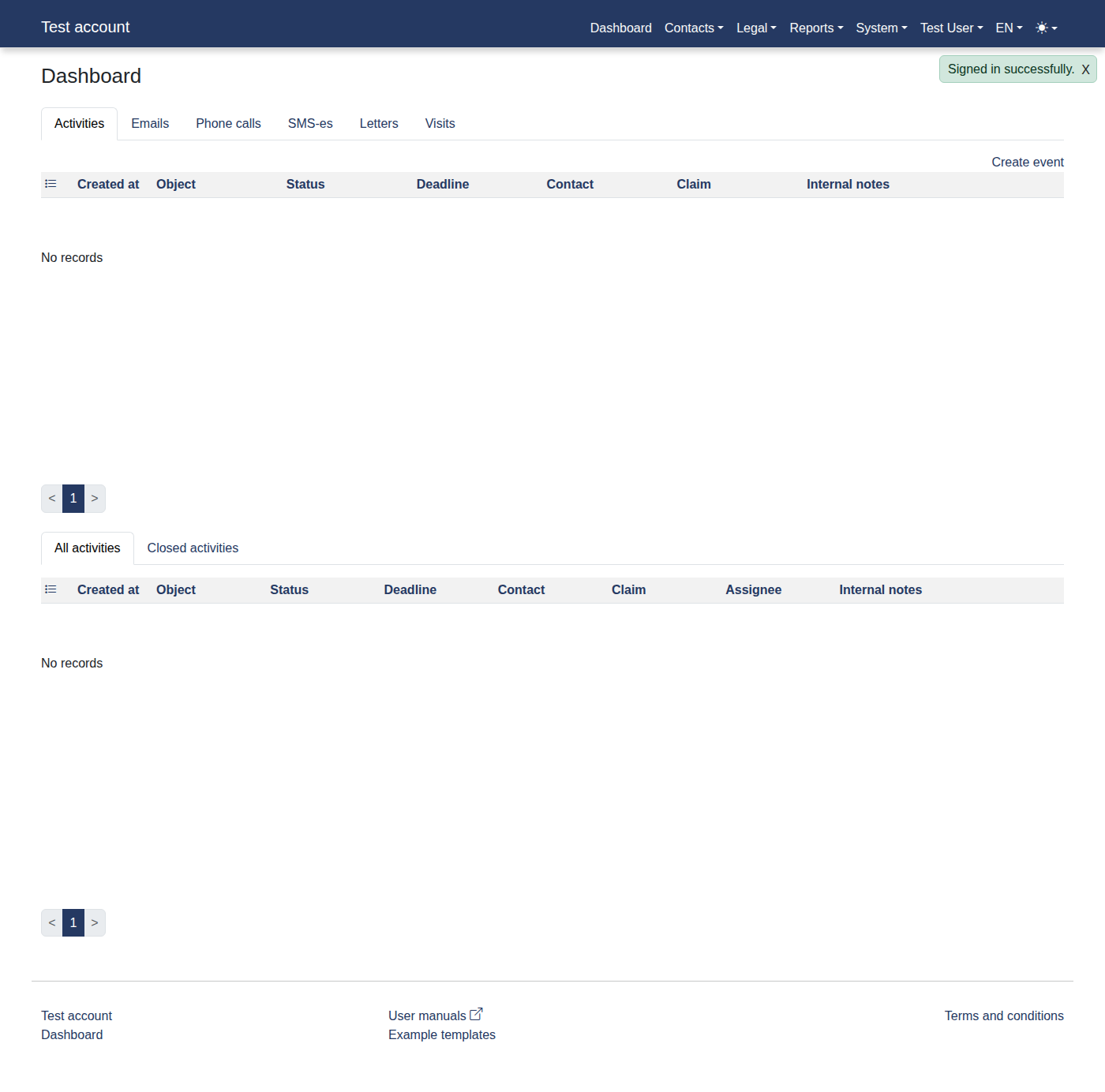
Please log in to the system to access "Dashboard".
-
Click menu items: "System -> Imports".
-
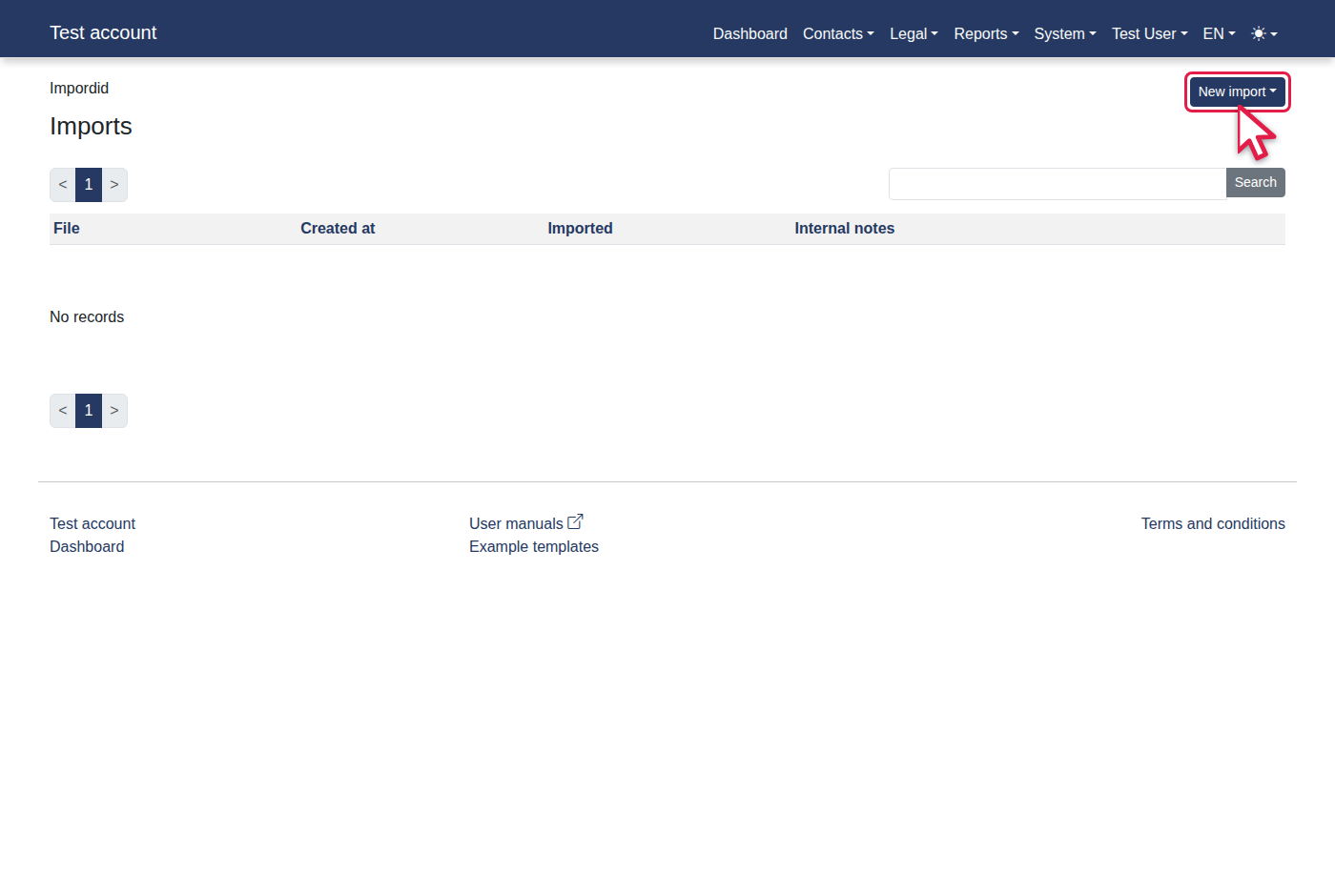
Click the "New import" link.
-
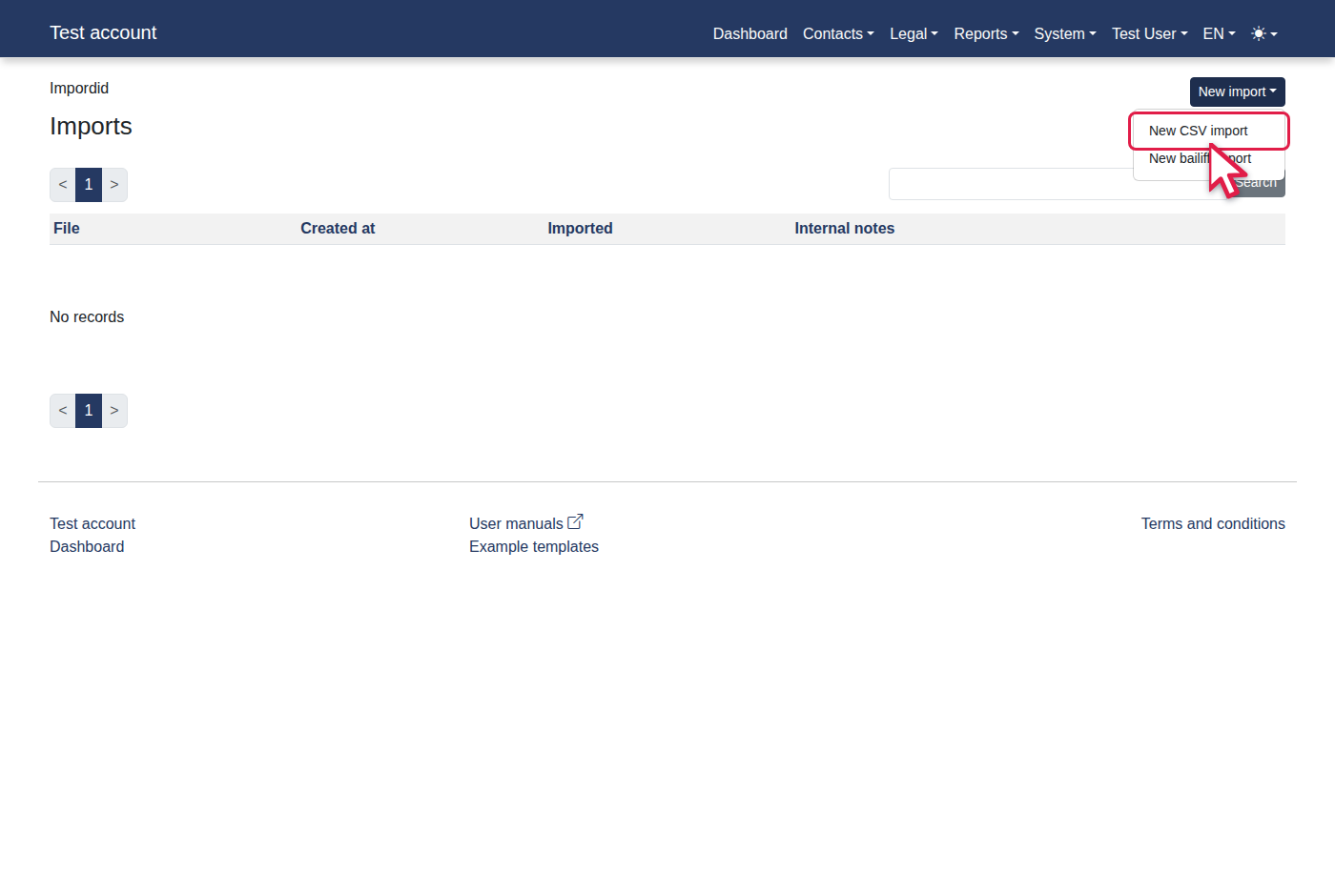
Click the "New CSV import" link.
-
Click "Save".
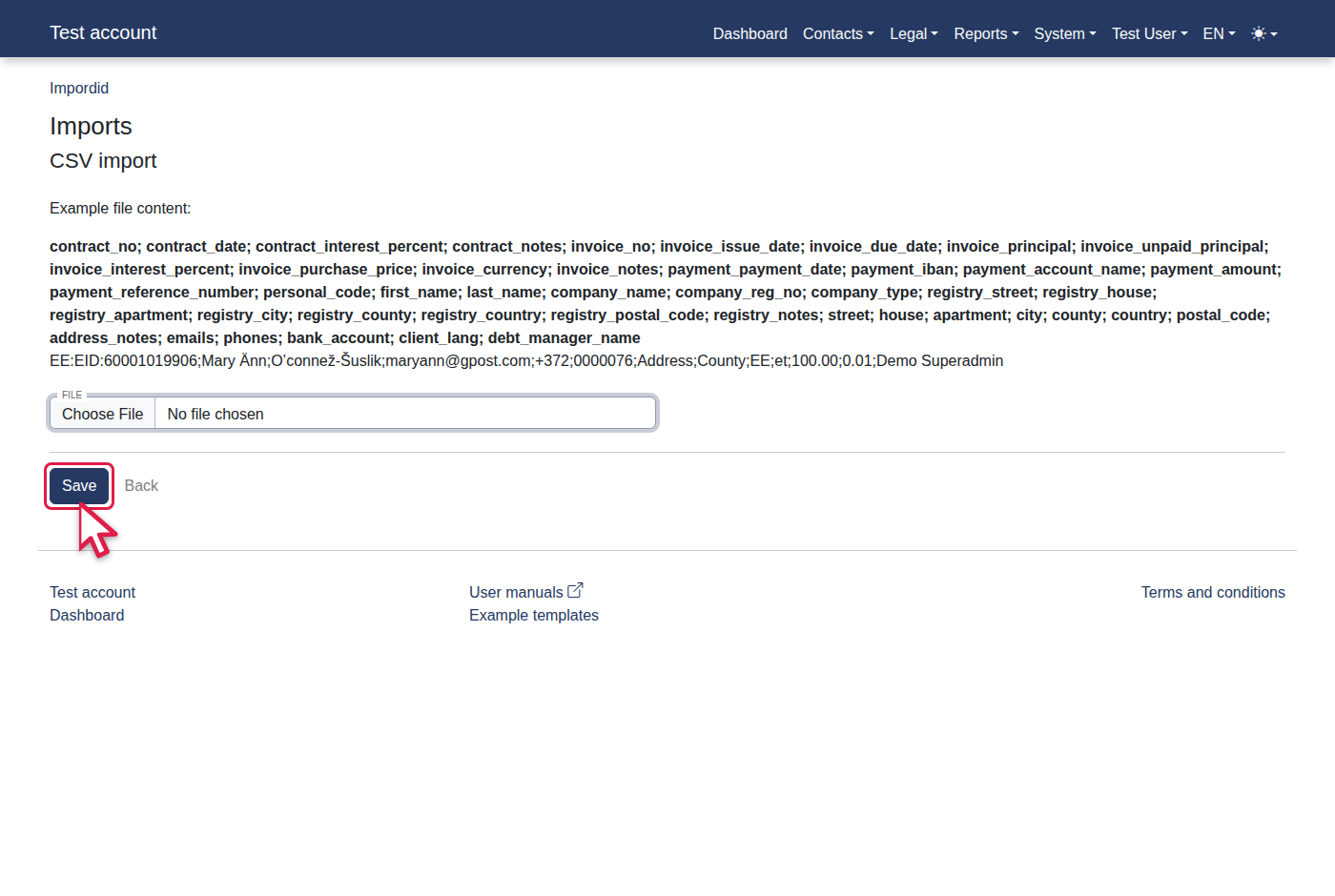
-
You should now see "Imports".