3.1. How to add an organization?
You can have multiple management companies each having own
clients, claims, reports etc. Each management company can have
multiple management units (aka departments) to scope clients, claims, reports etc.
Follow these steps:
-
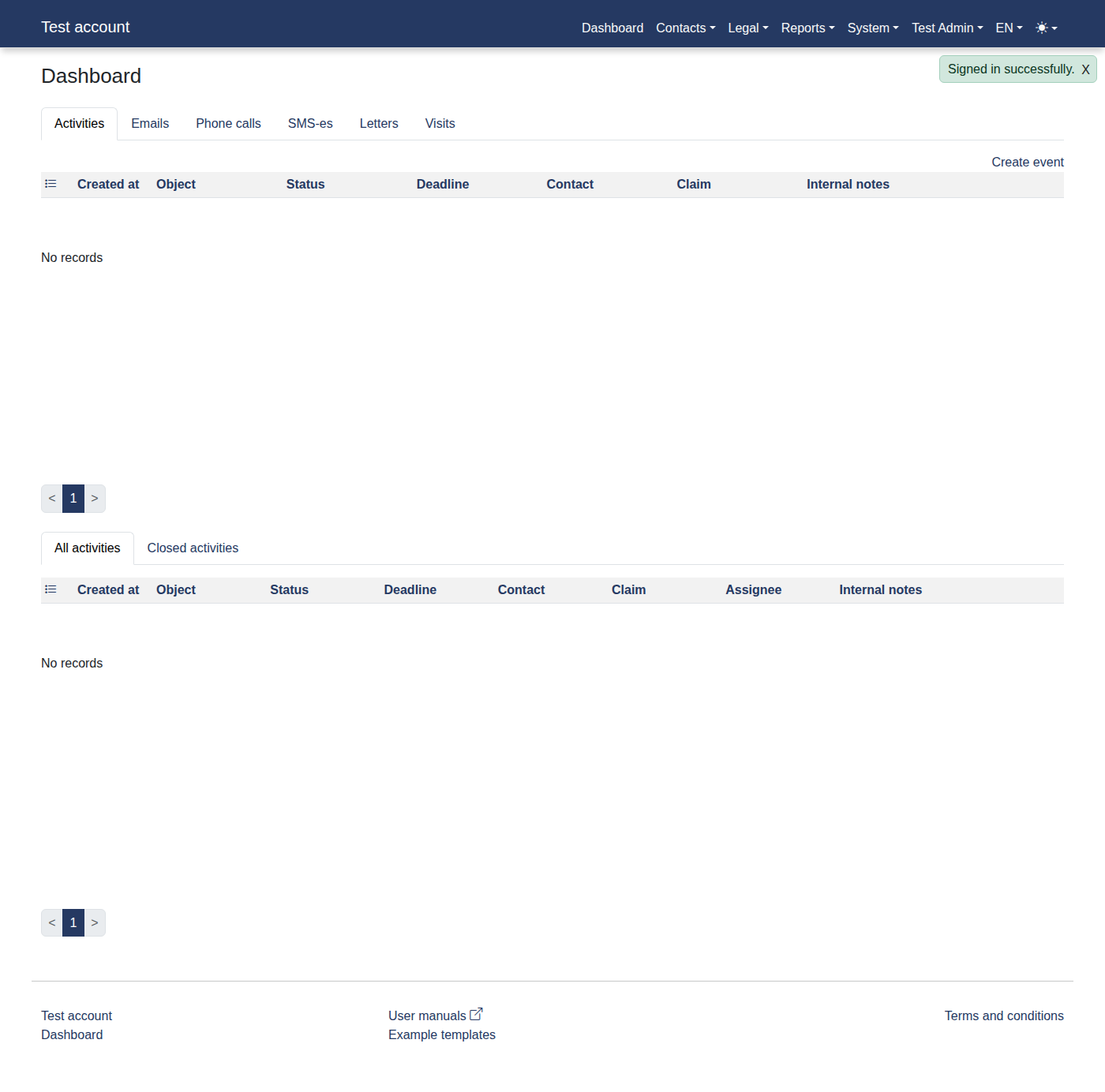
Please log in to the system to access "Dashboard".
-
Click menu items: "System -> Orgs".
-
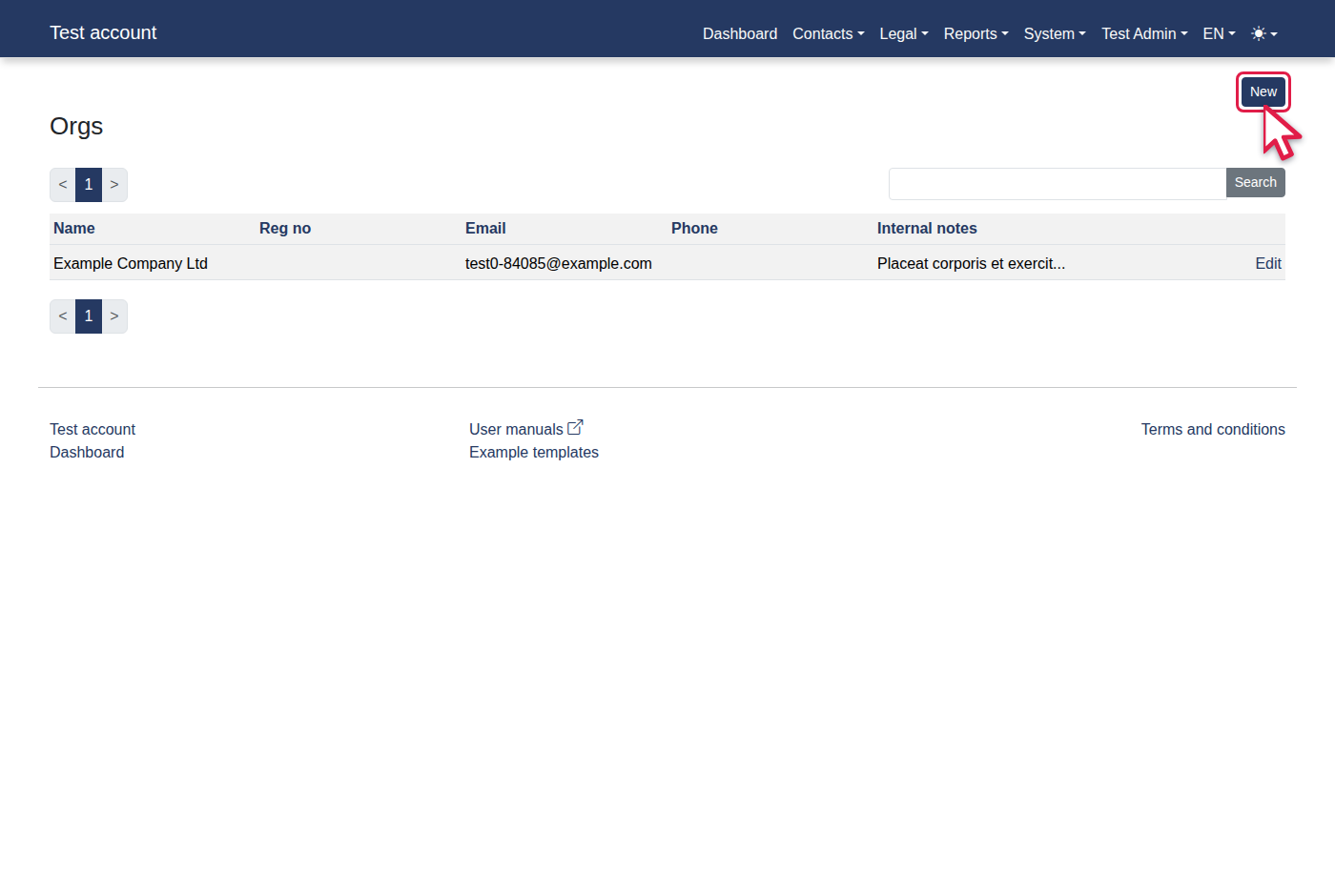
Click the "New" link.
-
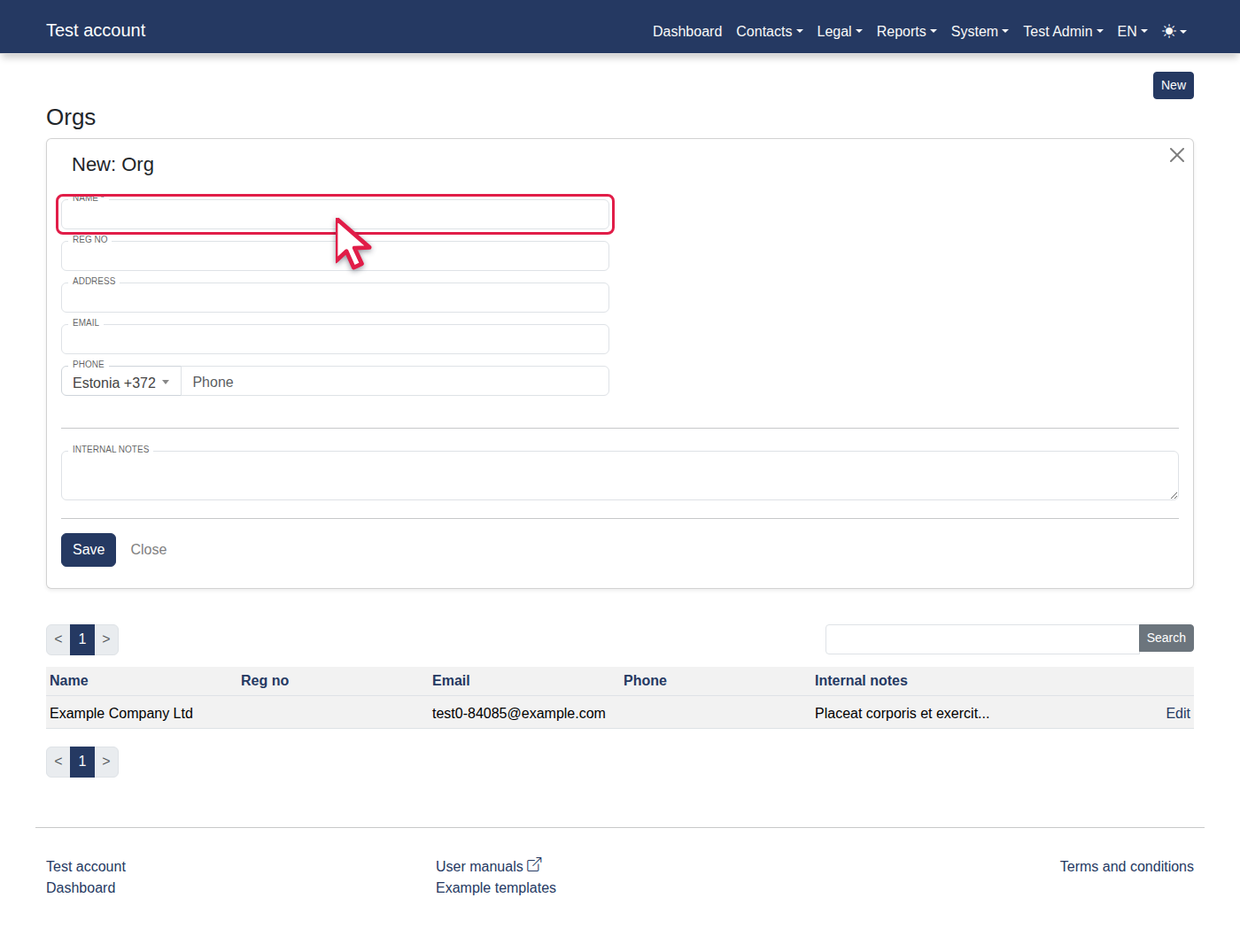
Fill in Name with "New Company Ltd".
-
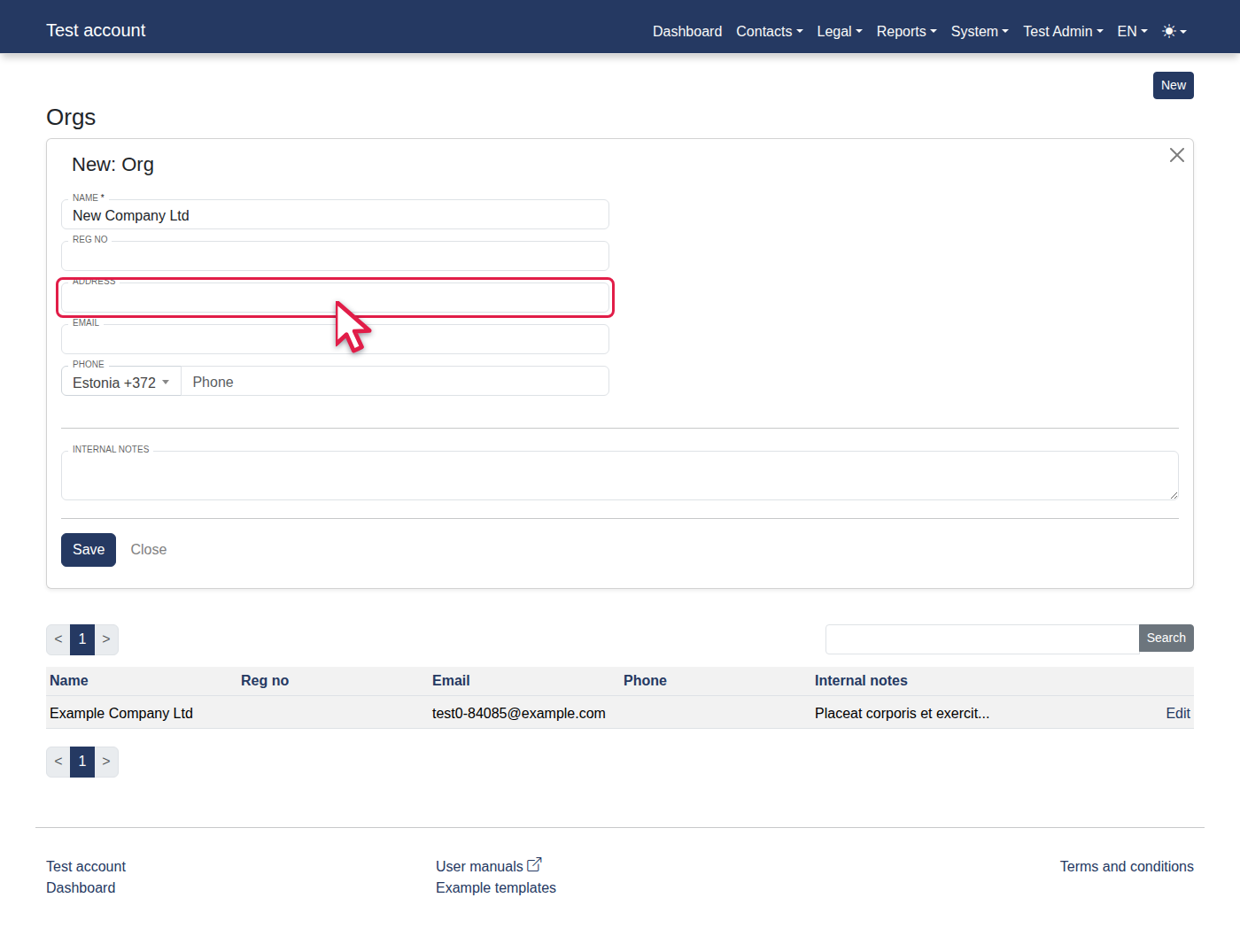
Fill in Address with "Wide Street 42-3".
-
Fill in Email with "info@example.com".
-
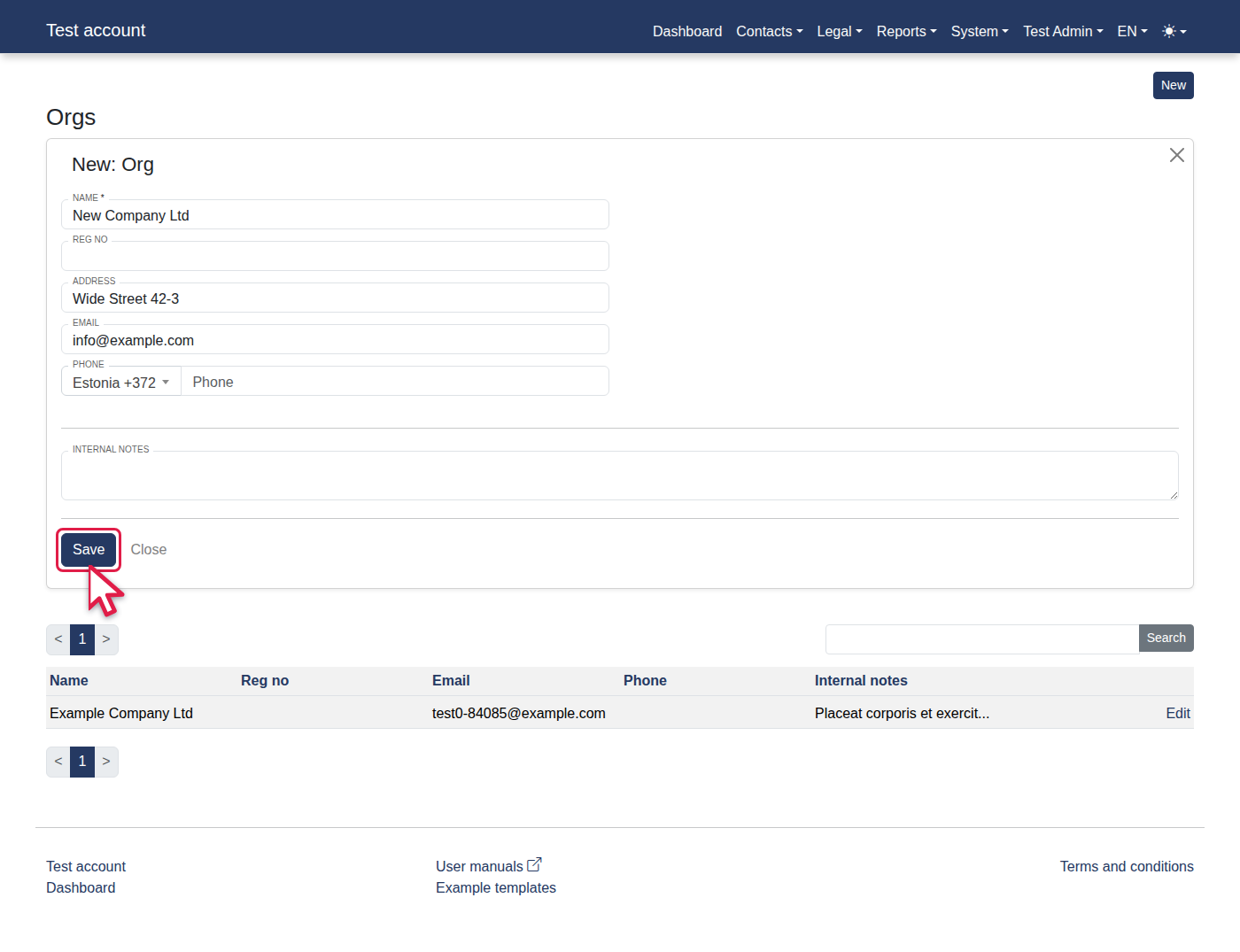
Click "Save".
-
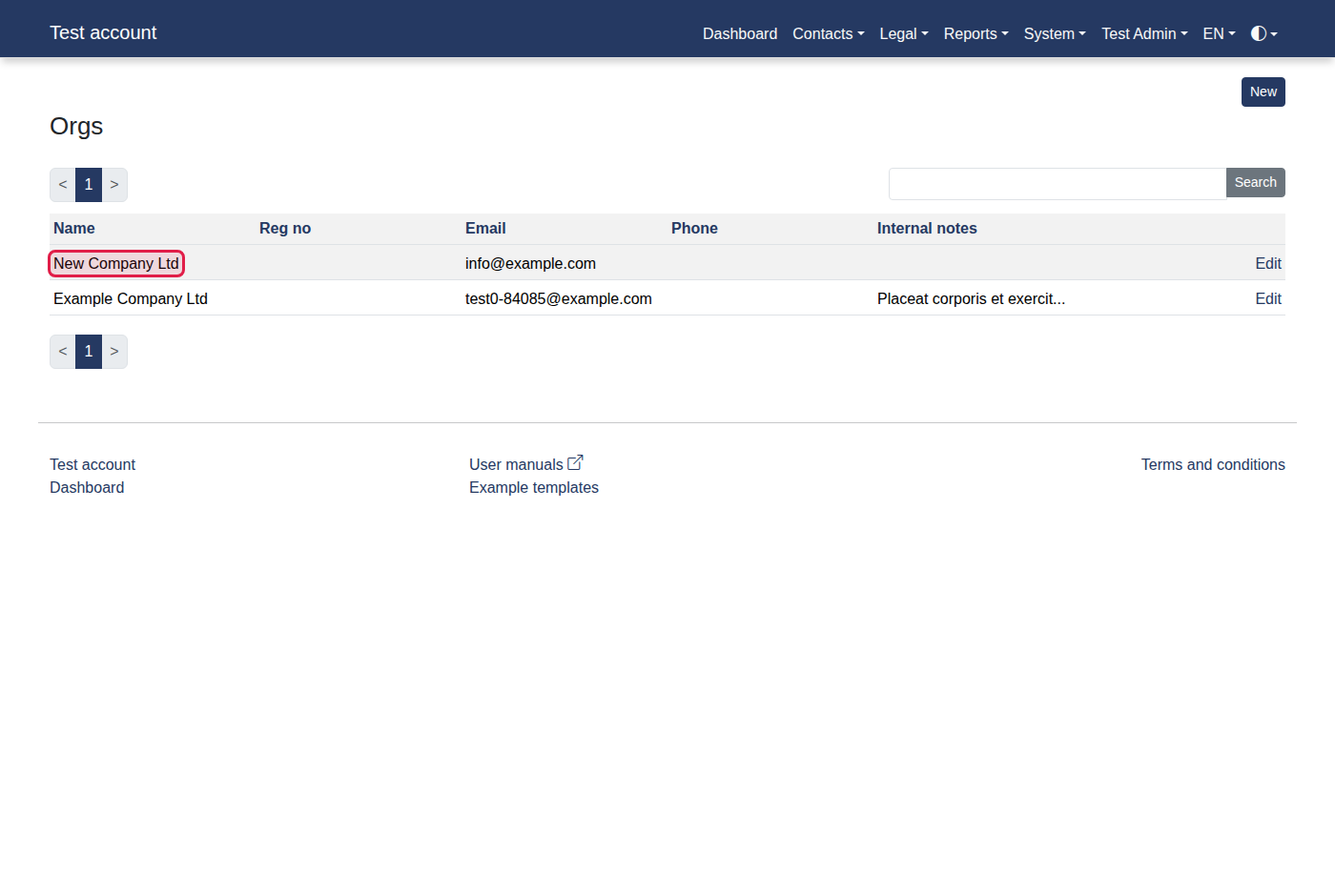
You should now see "New Company Ltd".