2.3. How to add a judge?
You can add and update list of judges.
Follow these steps:
-
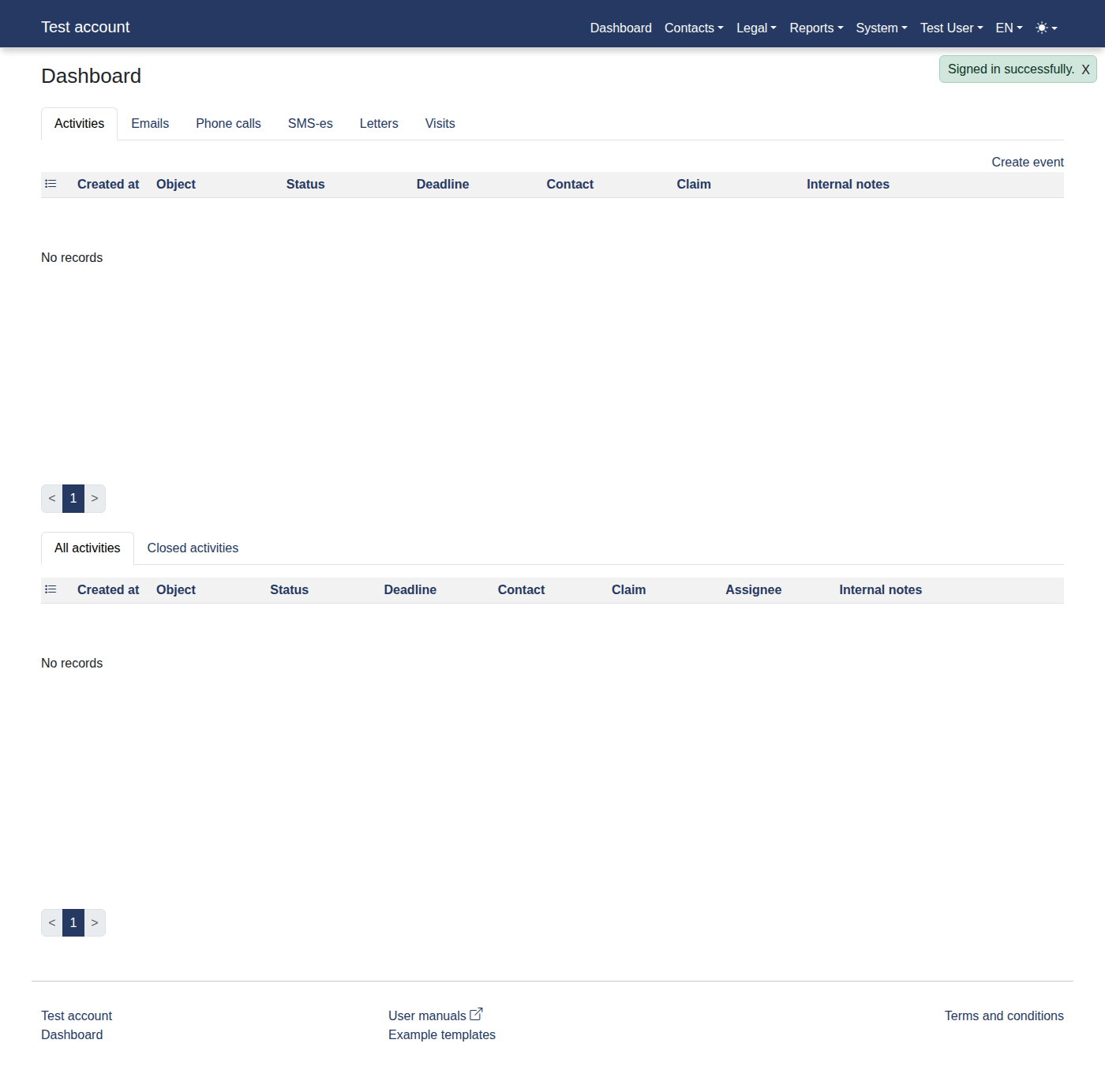
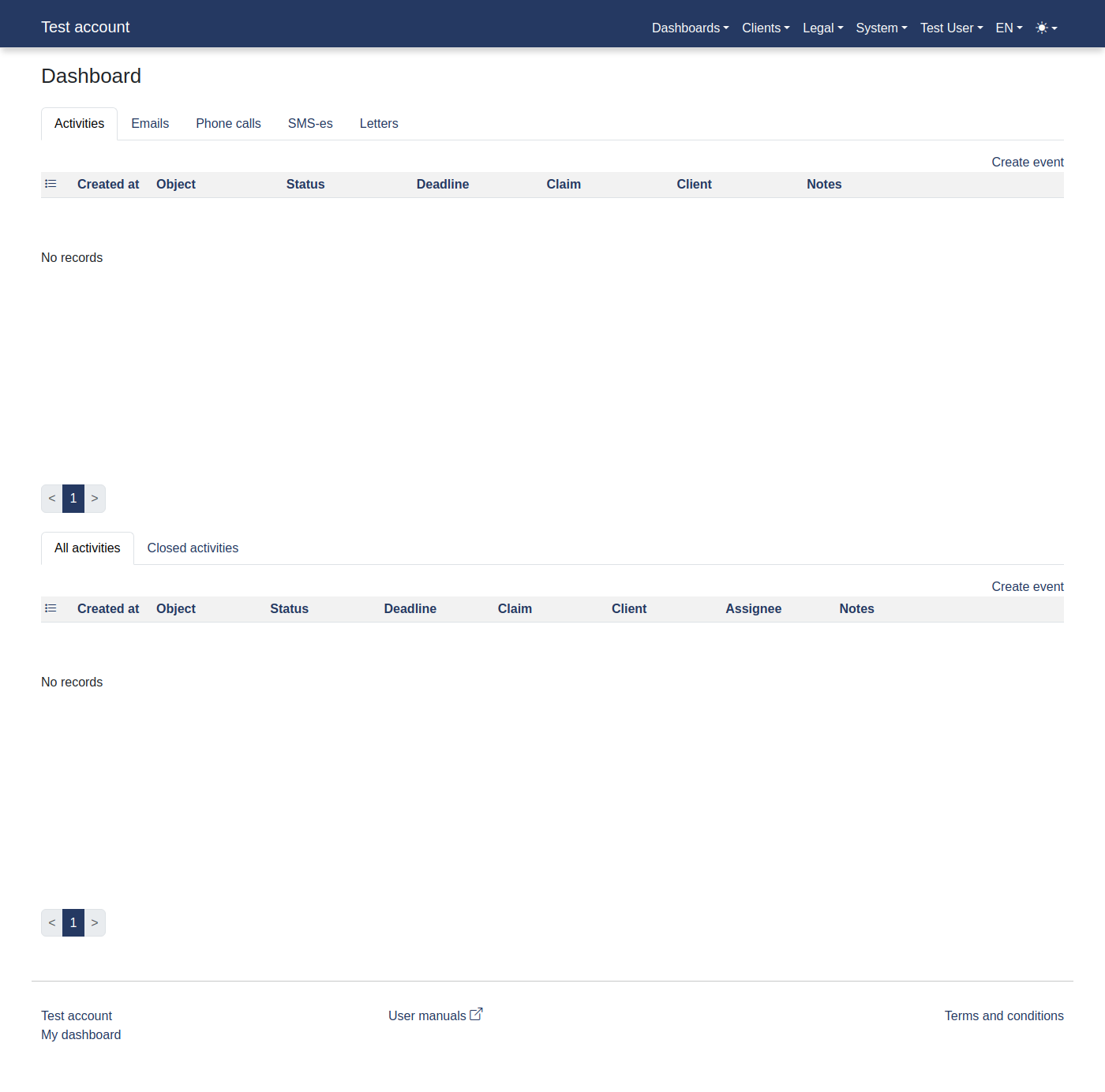
Please log in to the system to access "Dashboard".
-
Click menu items: "Legal -> Judges".
-
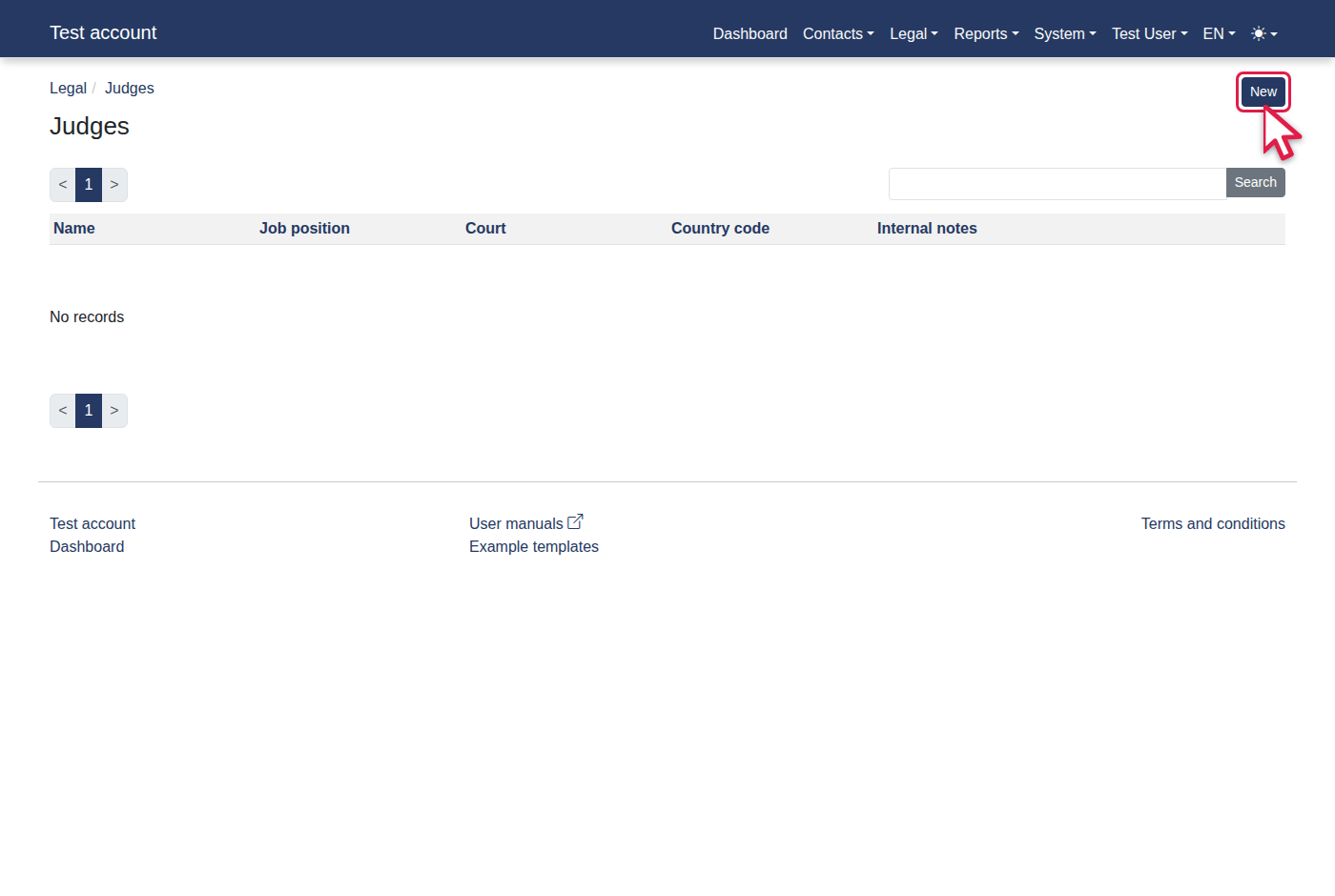
Click the "New" link.
-
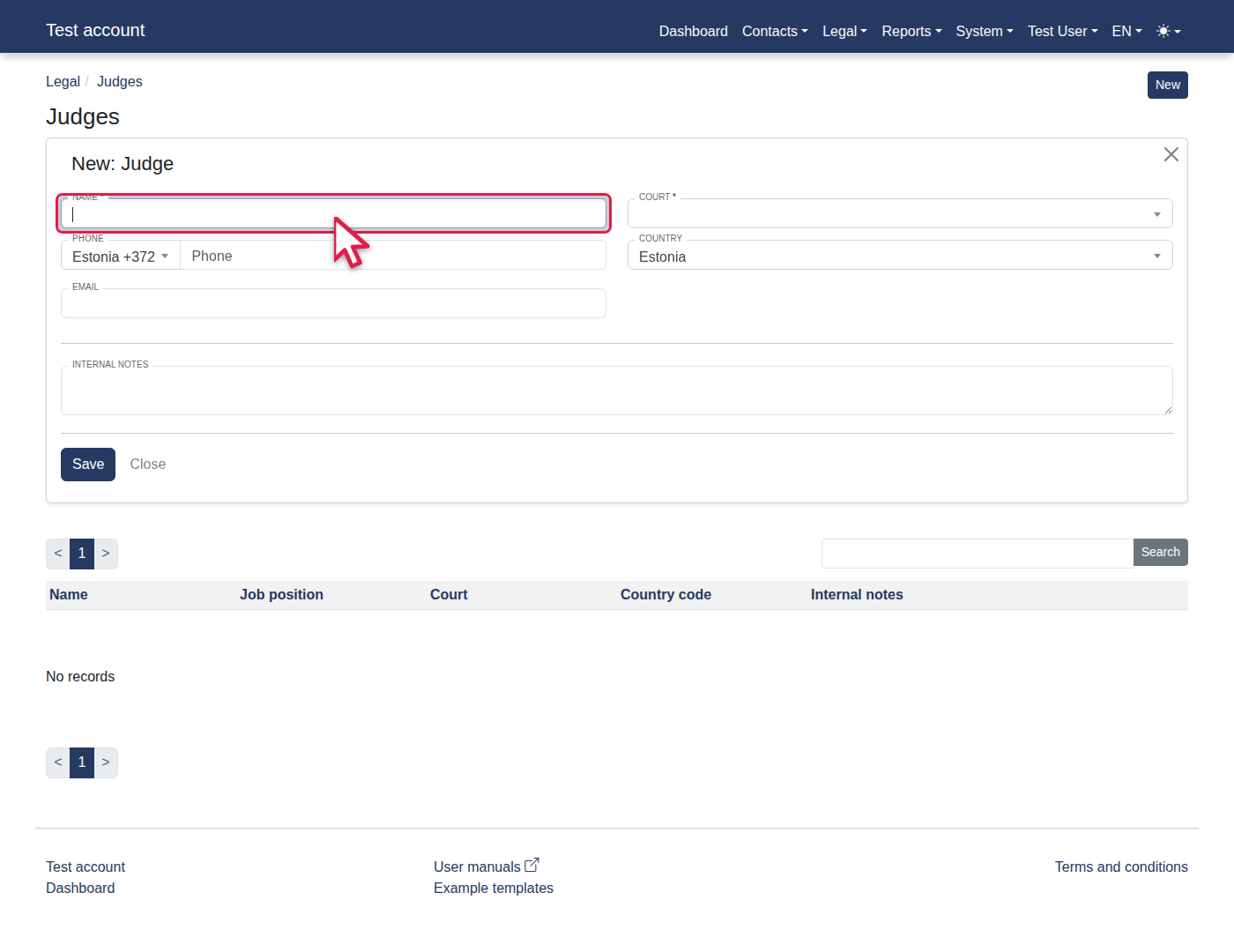
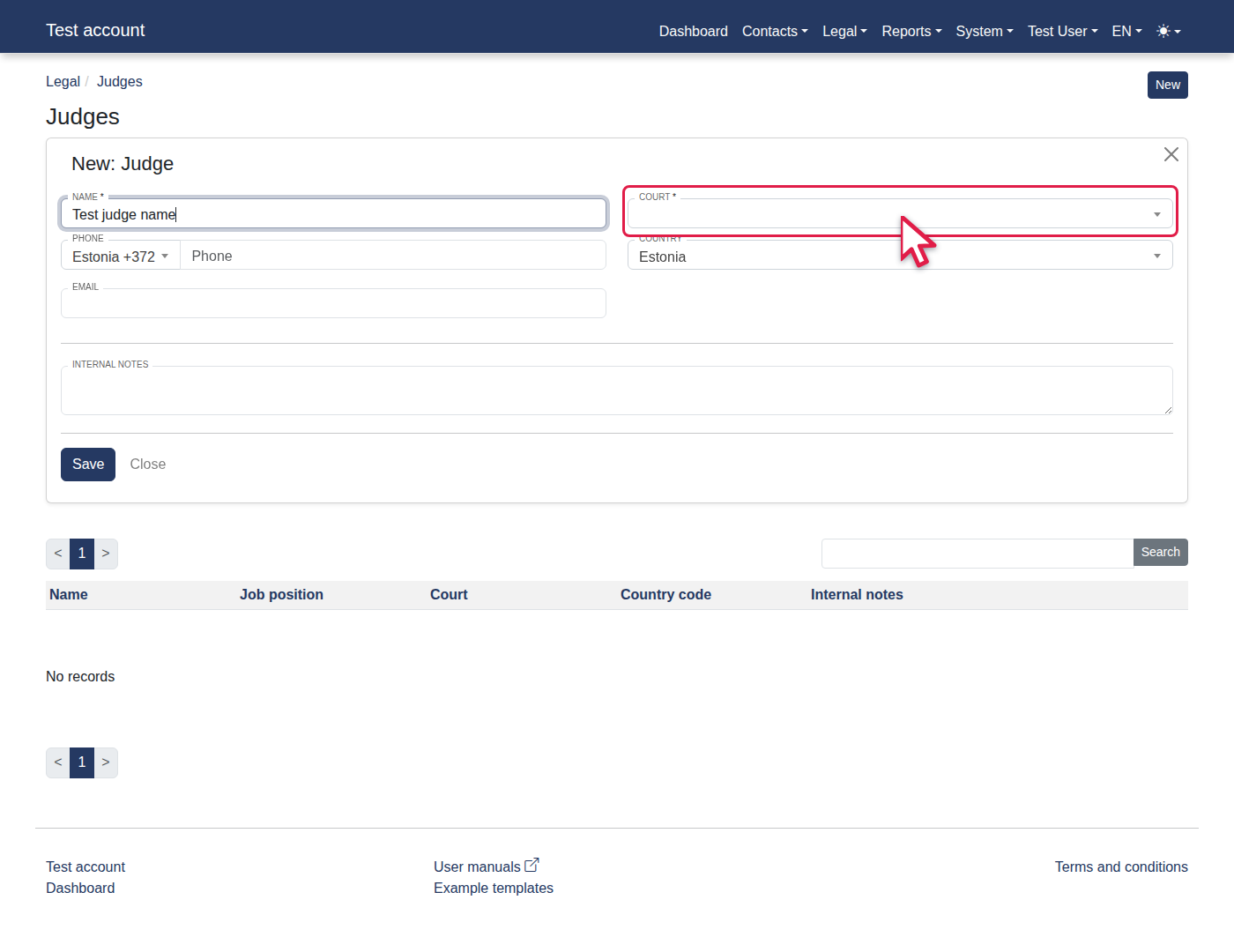
Fill in Name with "Test judge name".
-
Select "Tallinn Court" from Court.
-
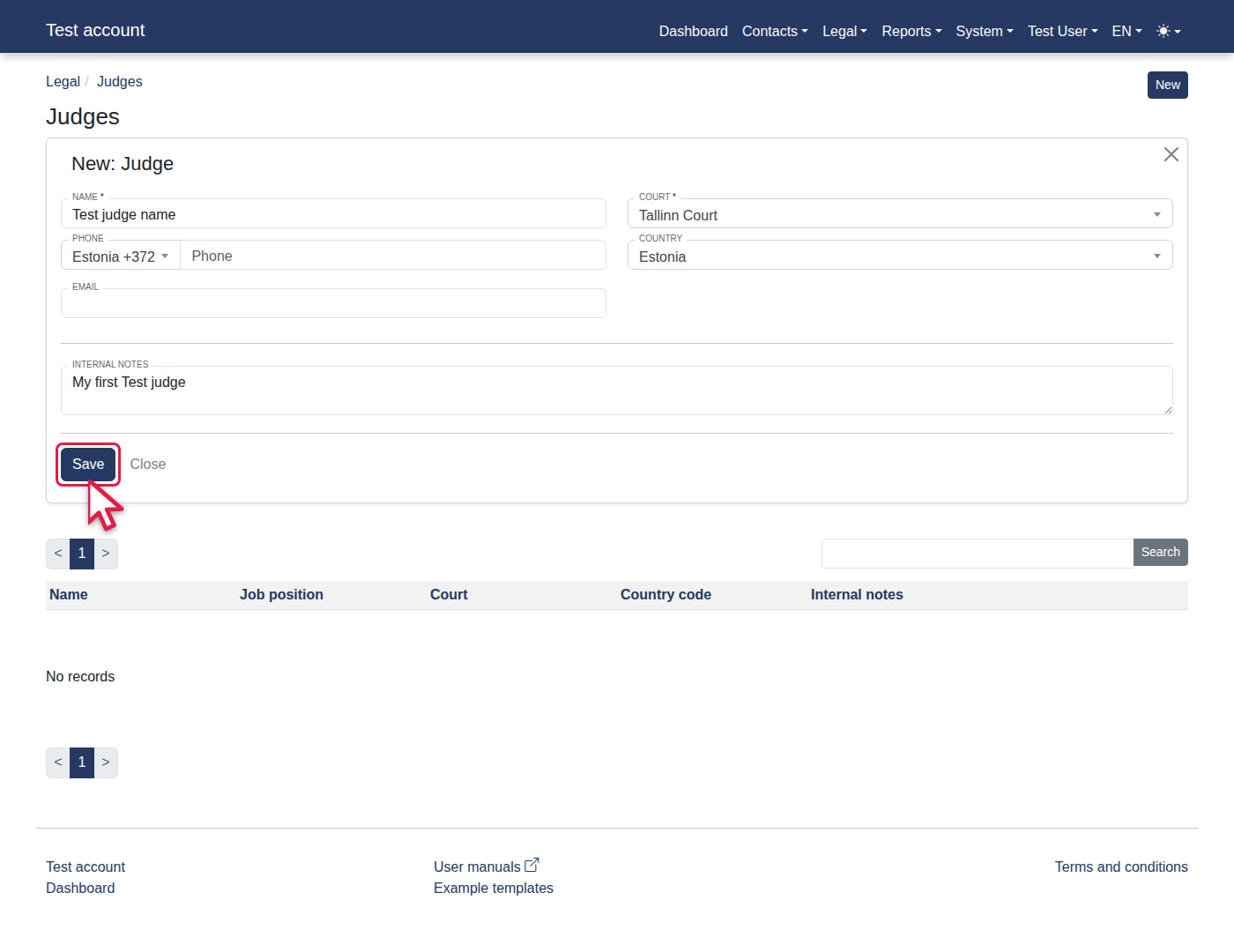
Fill in Internal notes with "My first Test judge".
-
Click "Save".
-
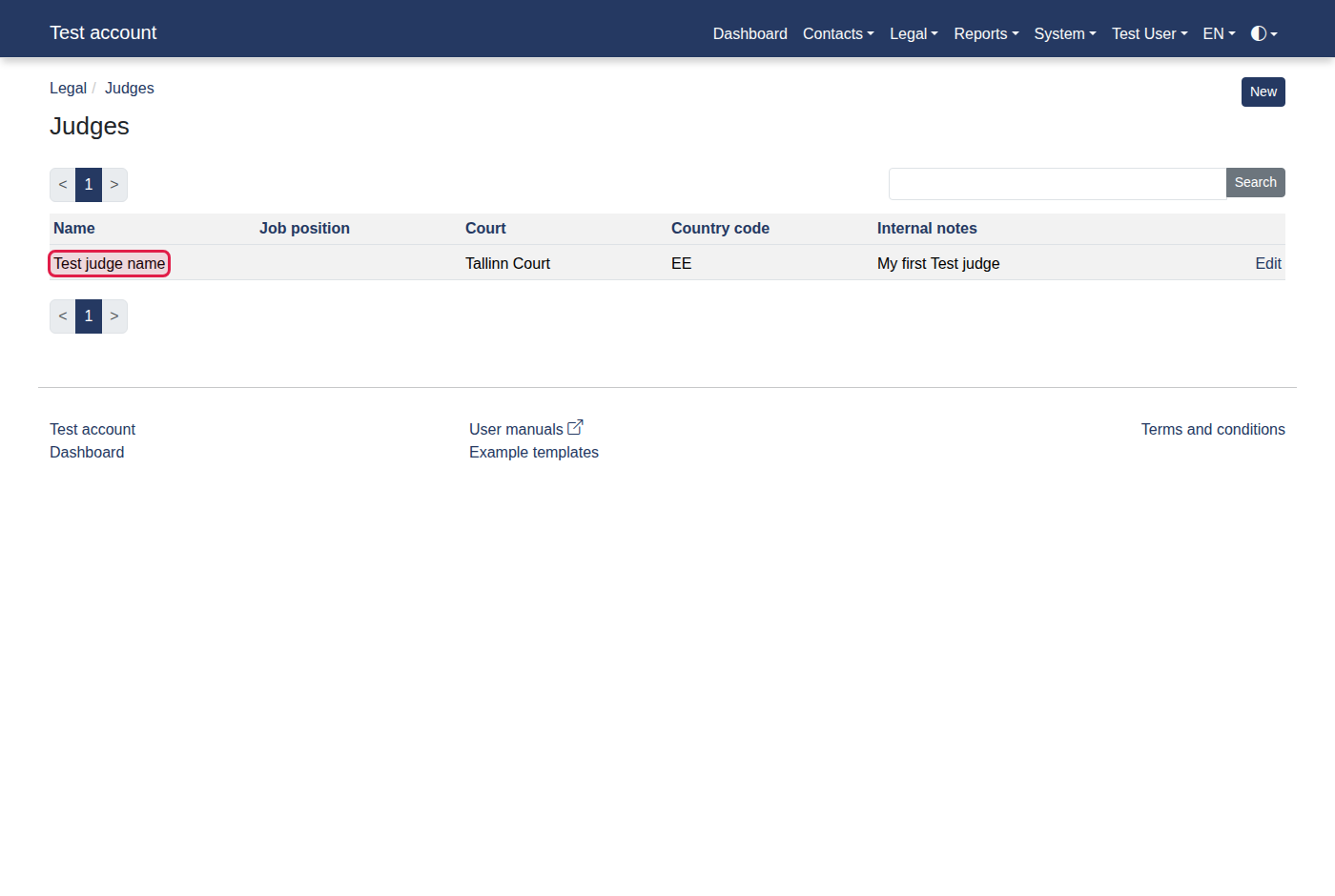
You should now see "Test judge name".