1.7. How to add a new document delivery?
Follow these steps:
-
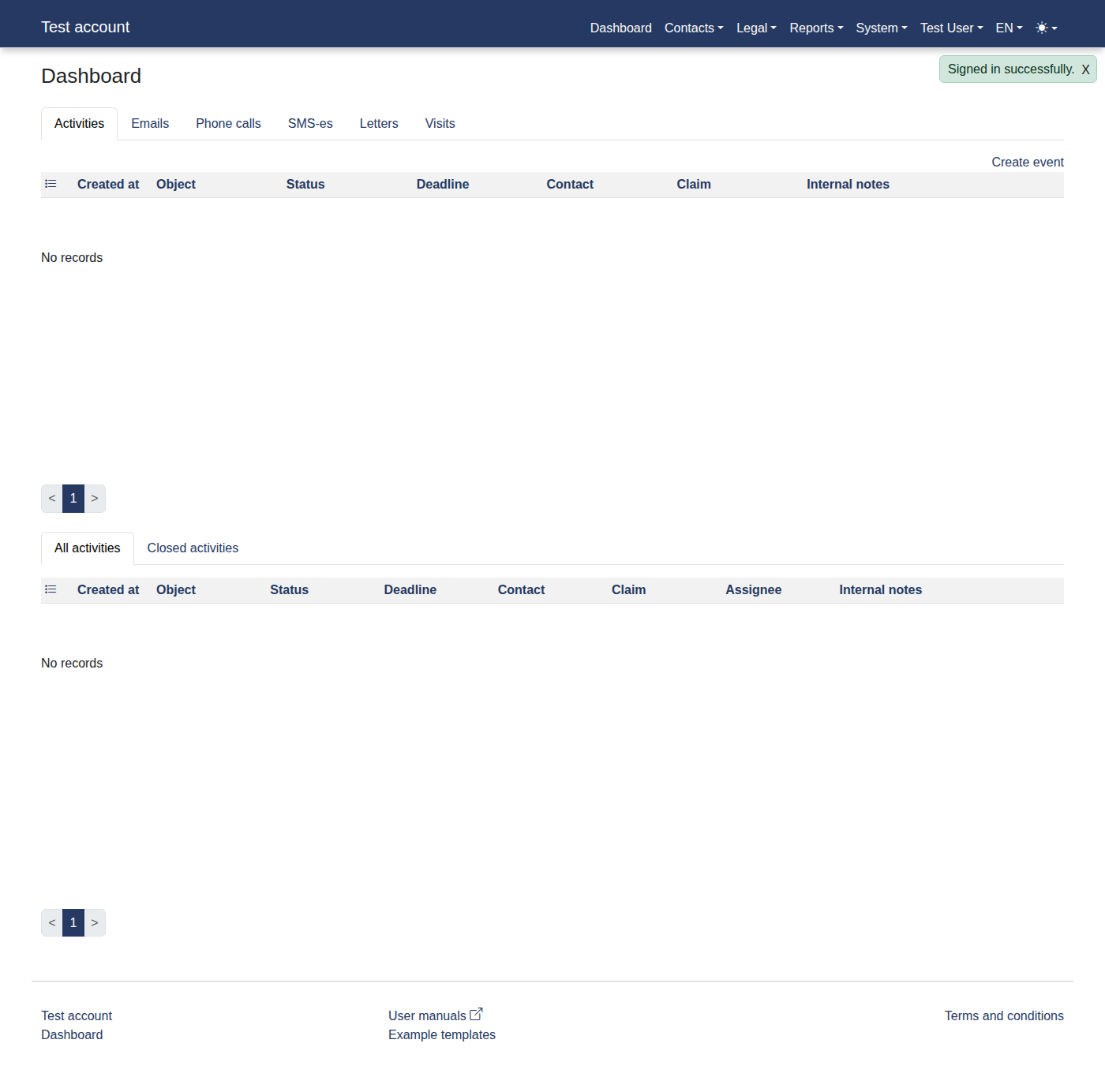
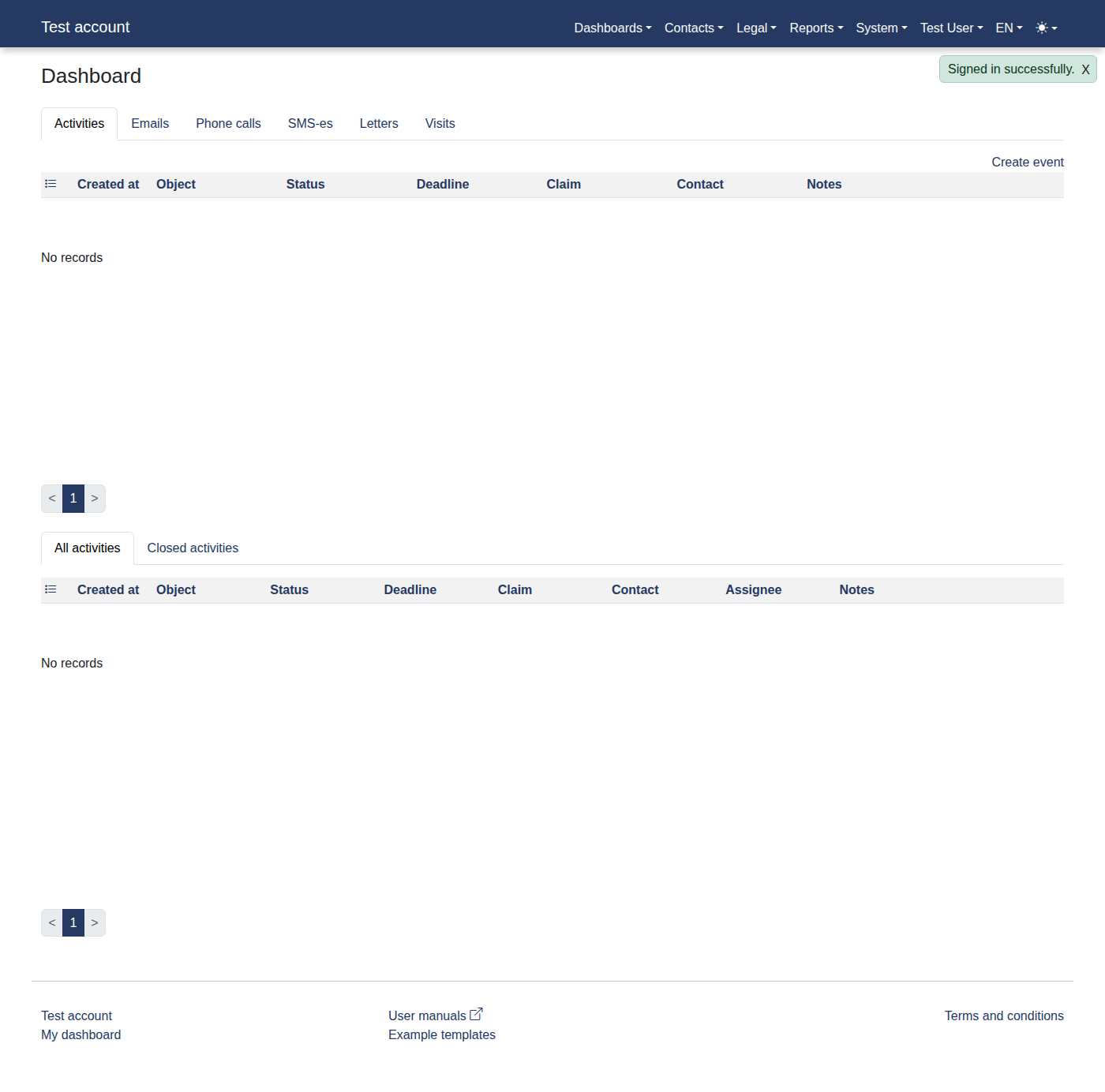
Please log in to the system to access "Dashboard".
-
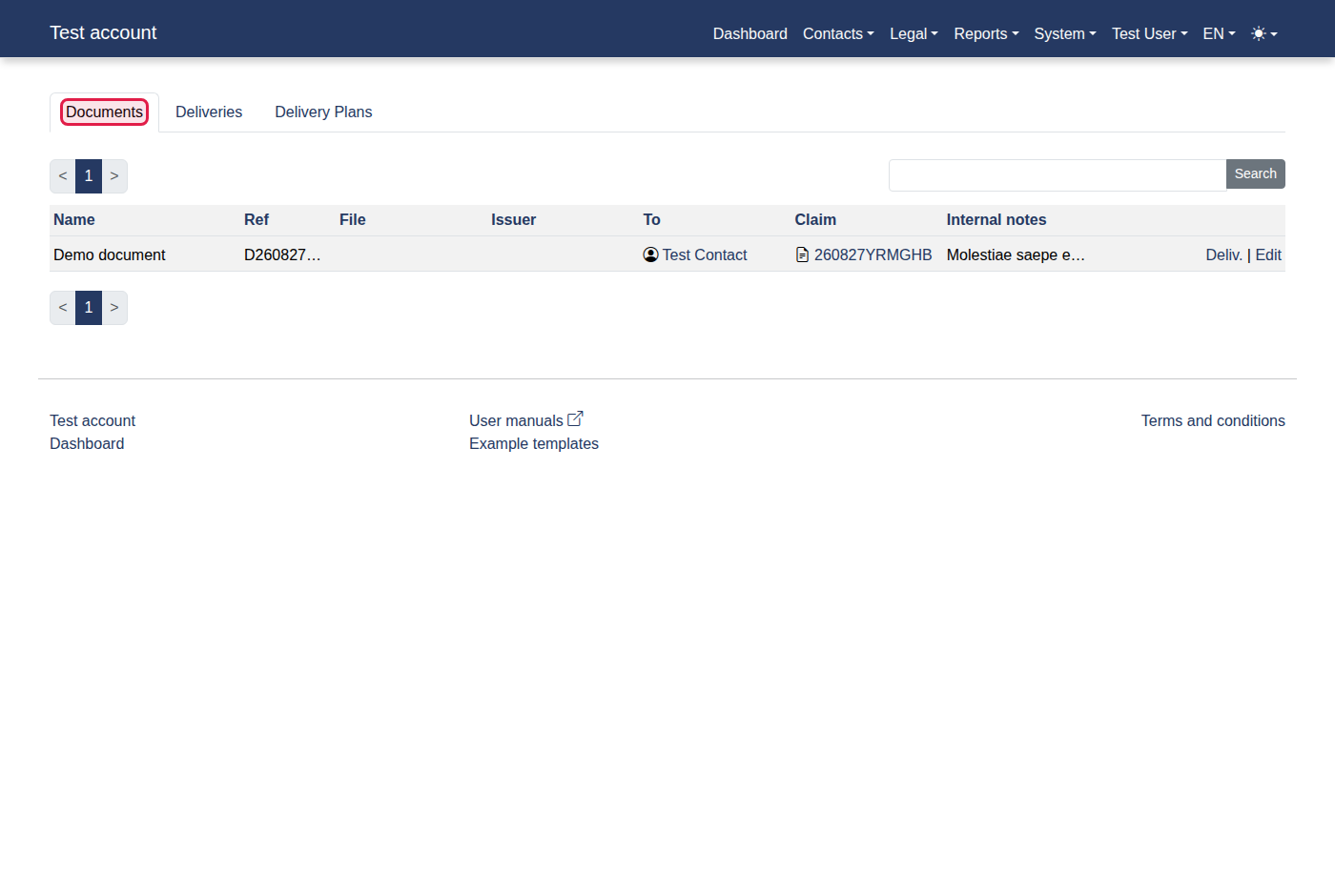
Click menu items: "Contacts -> Documents".
-
You should now see "Documents".
-
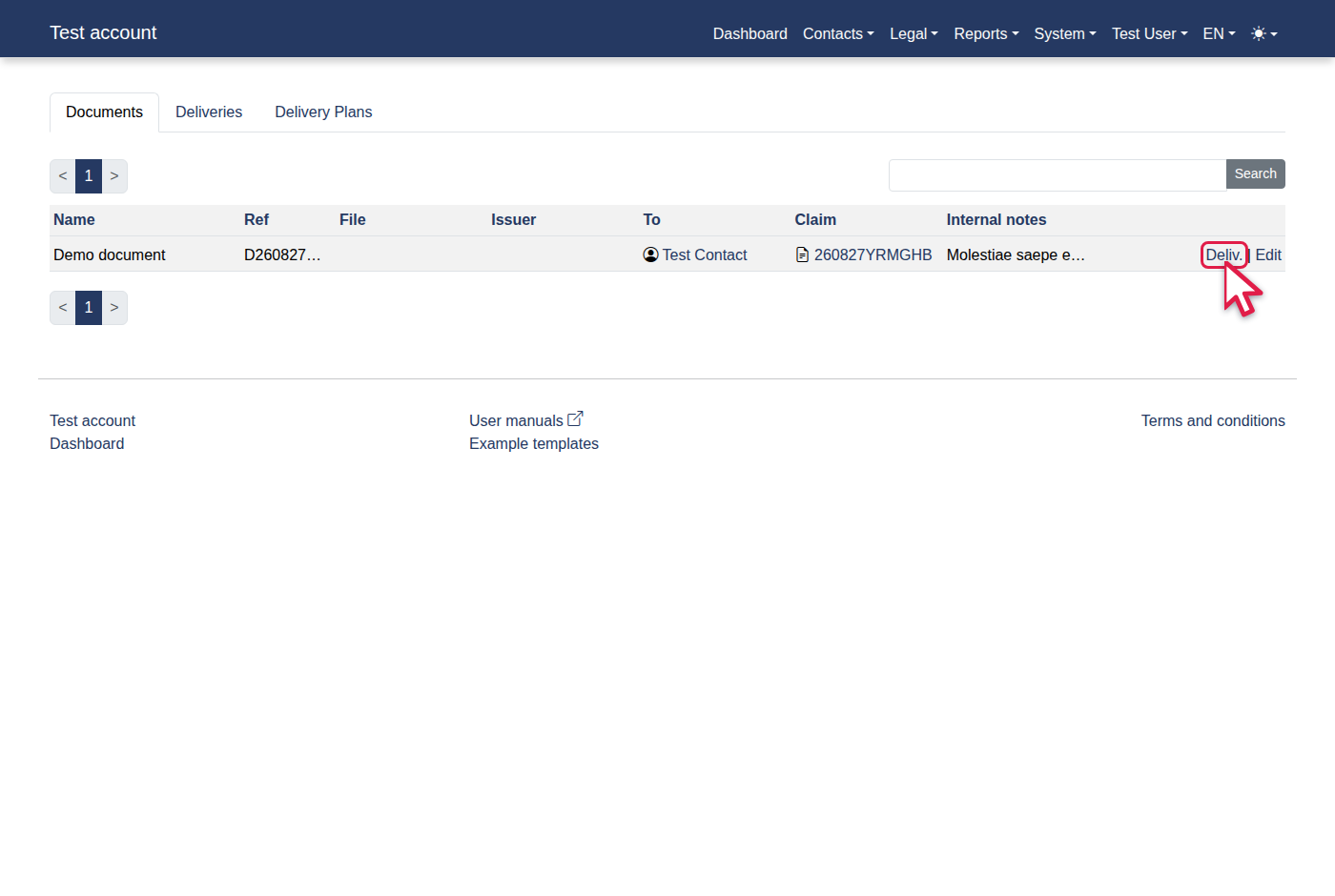
Click the "Deliv." link.
-
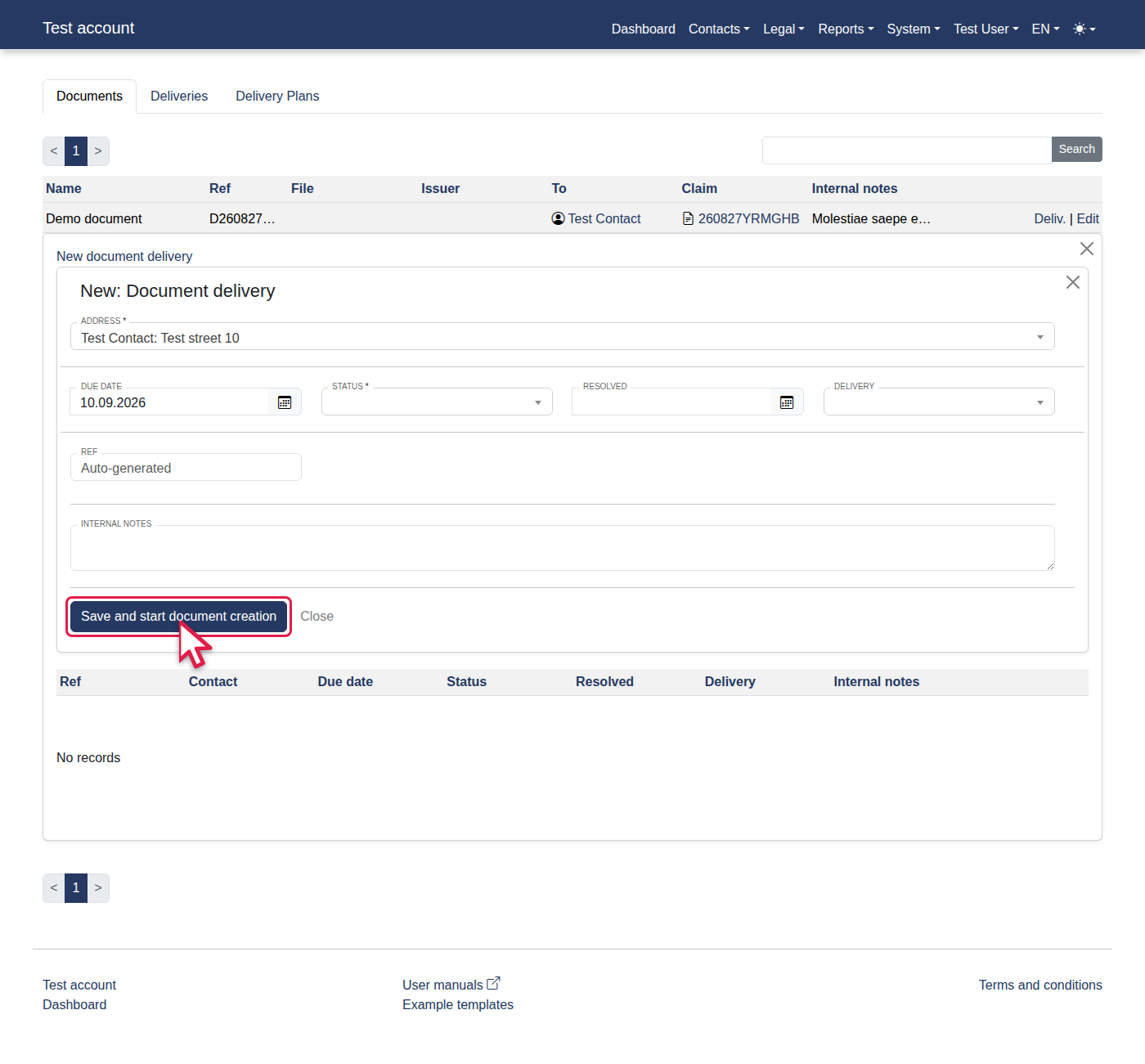
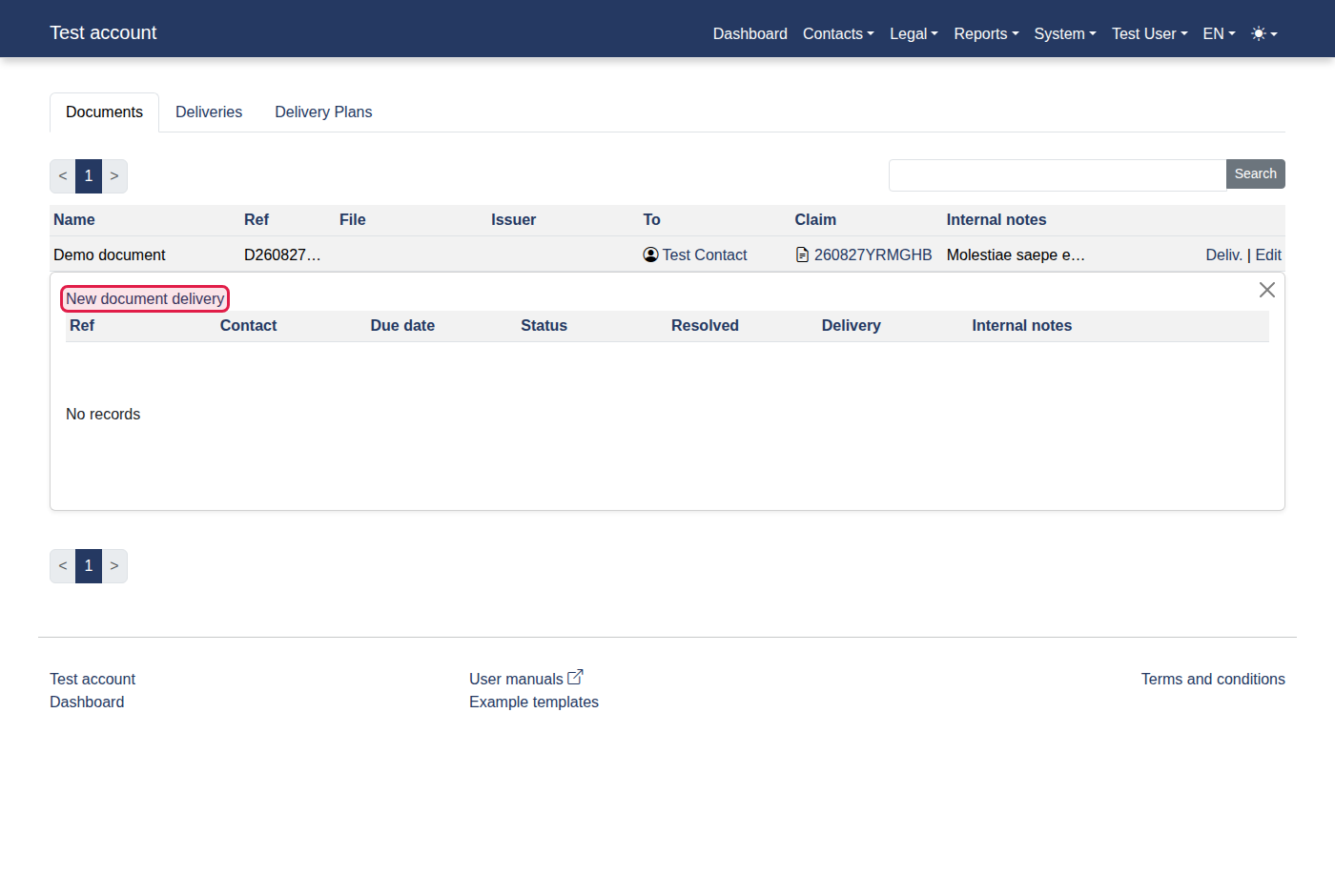
You should now see "New document delivery".
-
Click the "New document delivery" link.
-
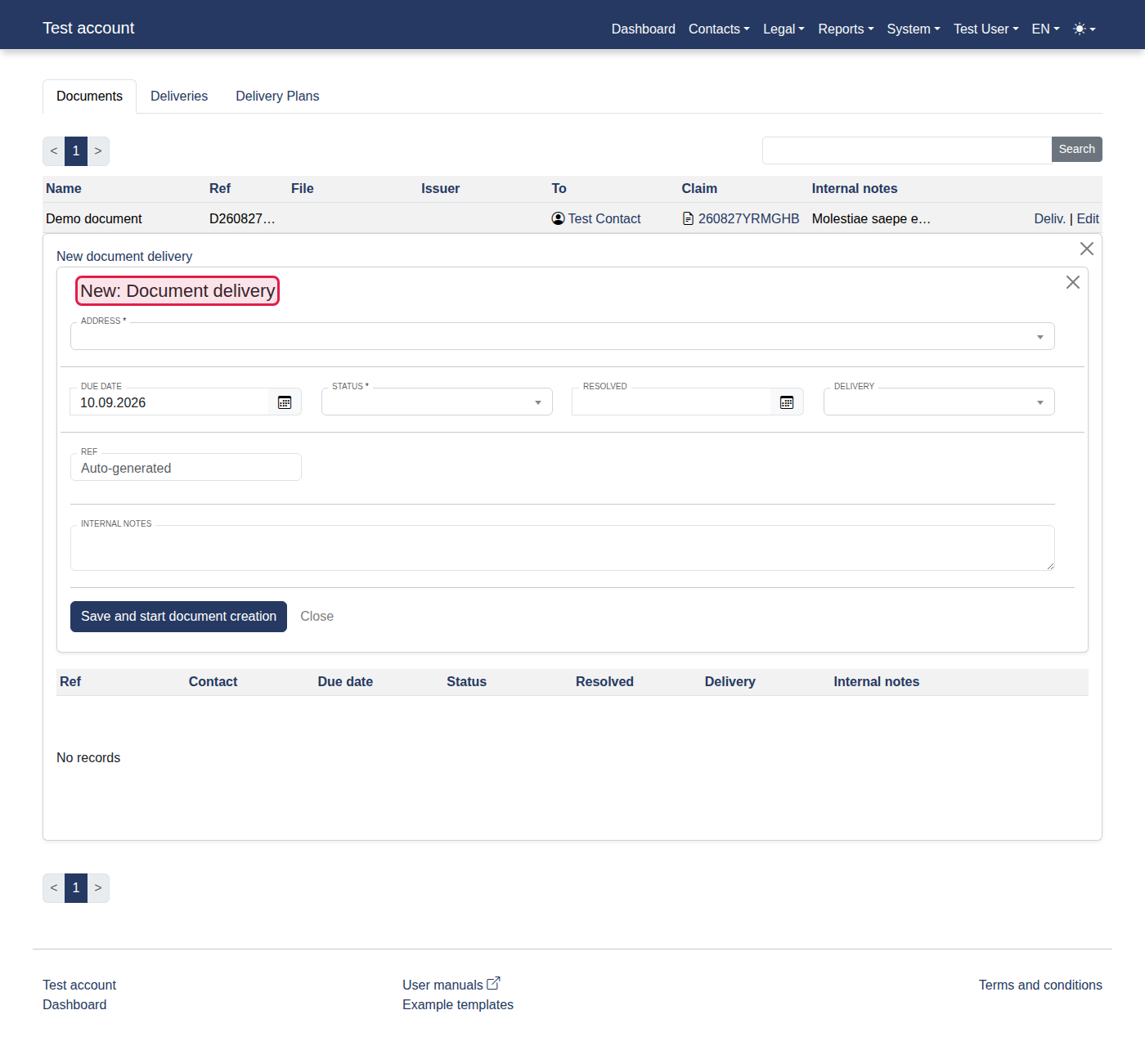
You should now see "New: Document delivery".
-
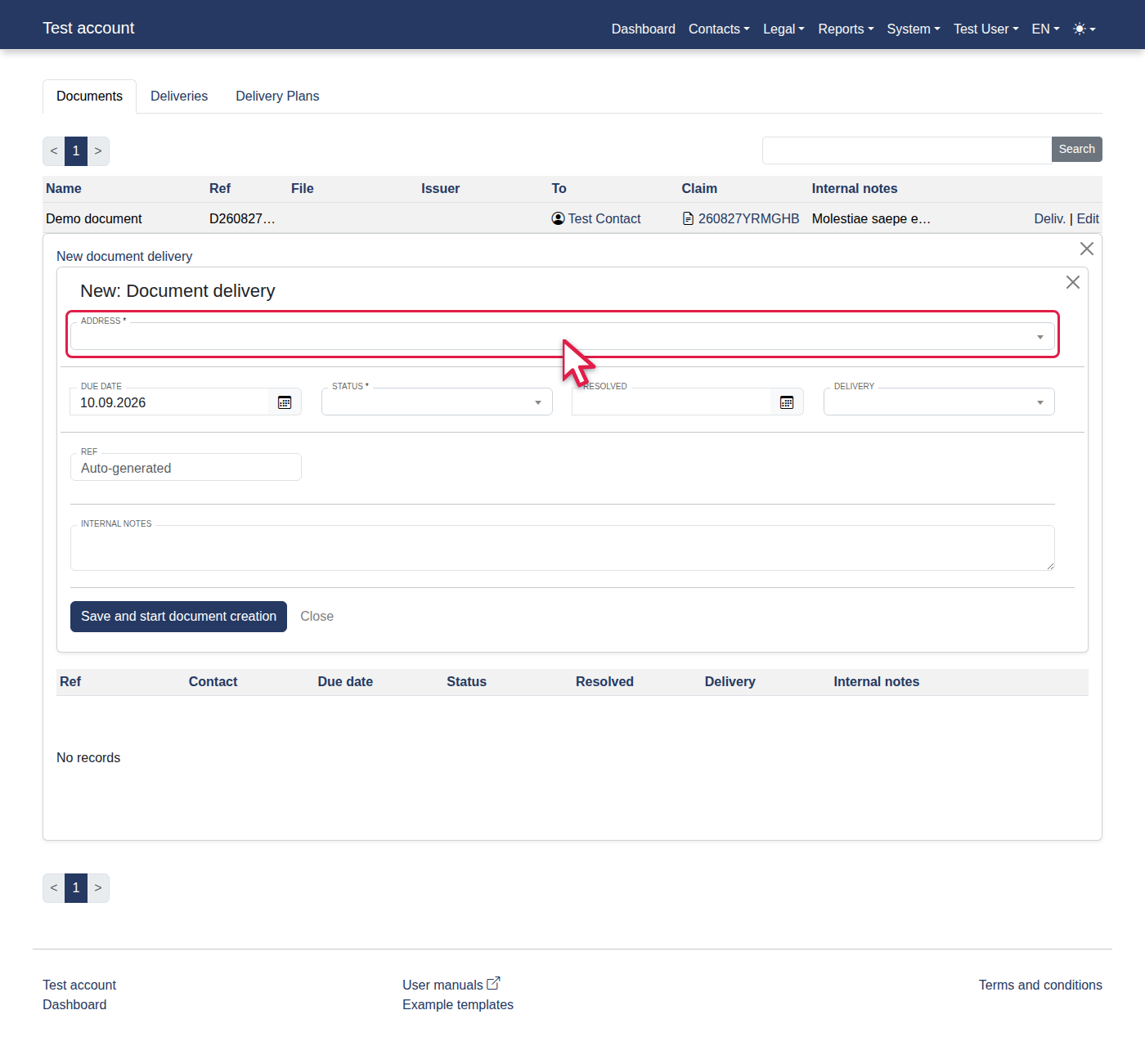
Select "Test Contact: Test street 10" from Address.
-
Click "Save and start document creation".