Guides
English
Eesti
All guides
Everyday work
1.1. How to find a contact?
1.2. How to find a contract?
1.3. How to add a new claim?
1.4. How to add a new invoice?
1.5. How to add a new payment schedule?
1.6. How to add a new document?
1.7. How to add a new document delivery?
1.8. How to add a new document delivery report?
Legal
2.1. How to access a legal dashboard?
2.2. How to manage a court info?
2.3. How to add a judge?
2.4. How to add a bailiff?
2.5. How to add a court verdict?
Organisation
3.1. How to add an organization?
3.2. How to add a management unit?
3.3. How to add a new type of representation?
3.4. How to import claims?
Account
4.1. How to setup own domain?
1.2. How to find a contract?
Follow these steps:
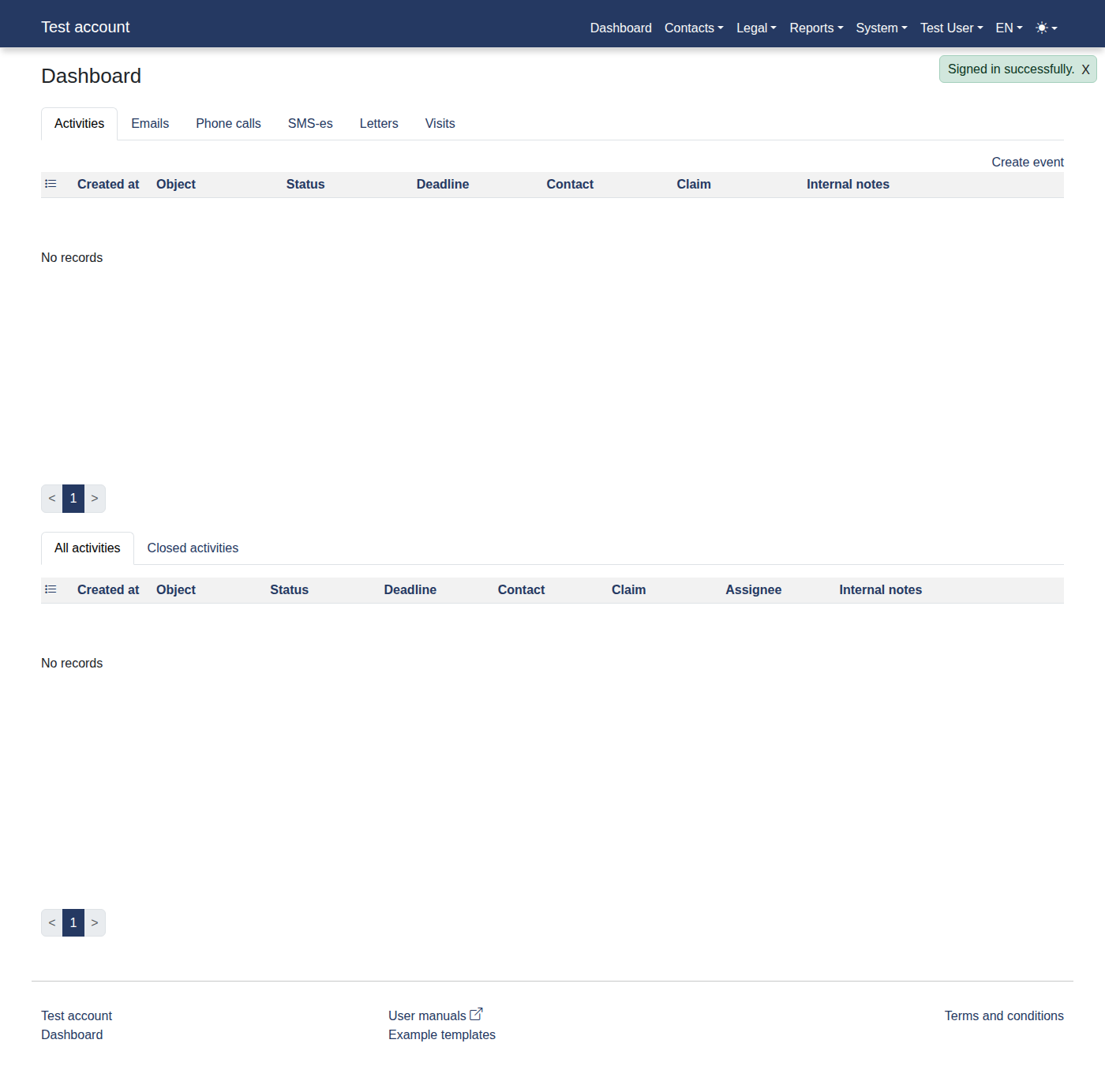
Please log in to the system to access
"Dashboard"
.
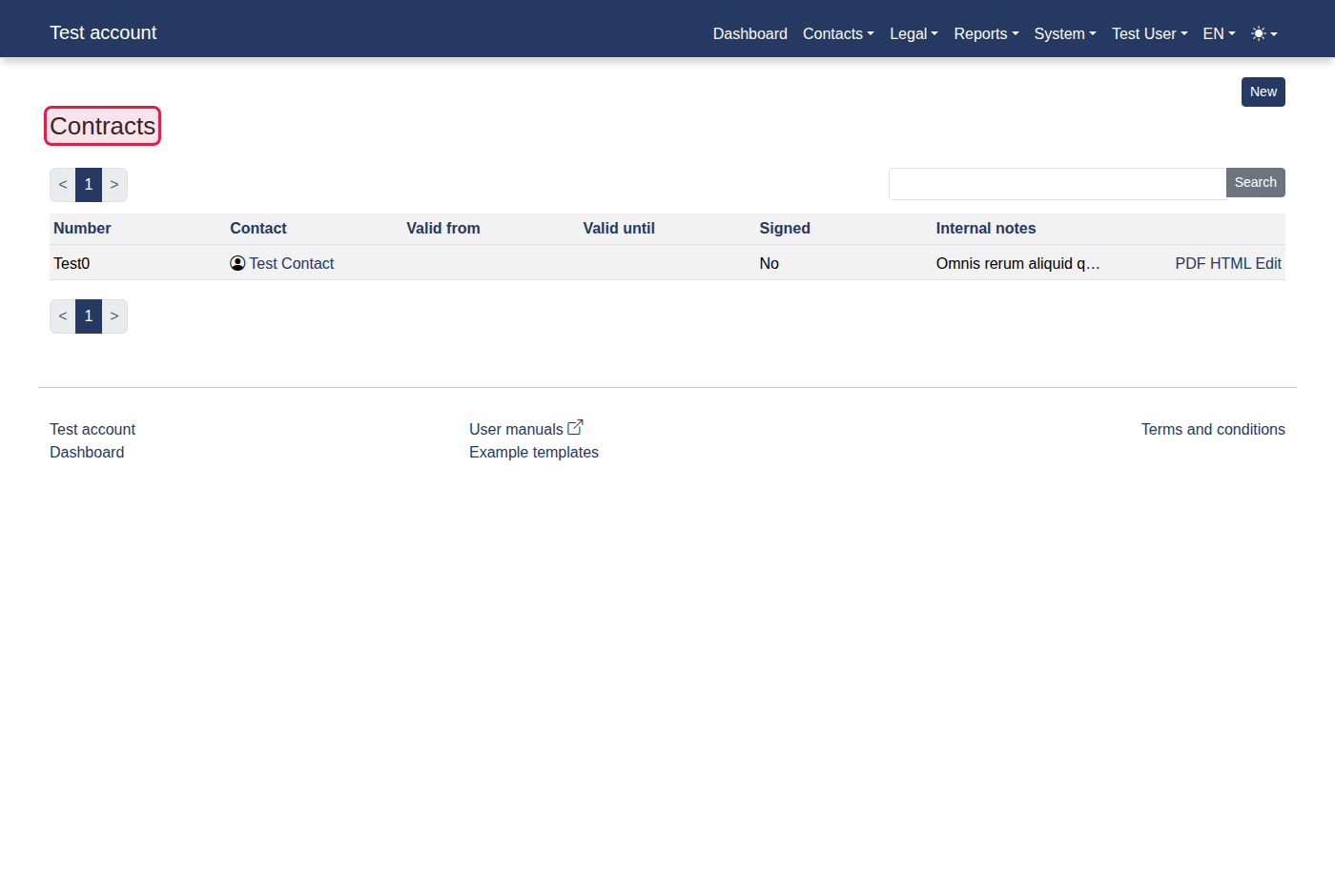
Click menu items:
"Contacts -> Contracts"
.
You should now see
"Contracts"
.
Previous
1.1. How to find a contact?
Next
1.3. How to add a new claim?