1.5. How to add a new payment schedule?
Follow these steps:
-
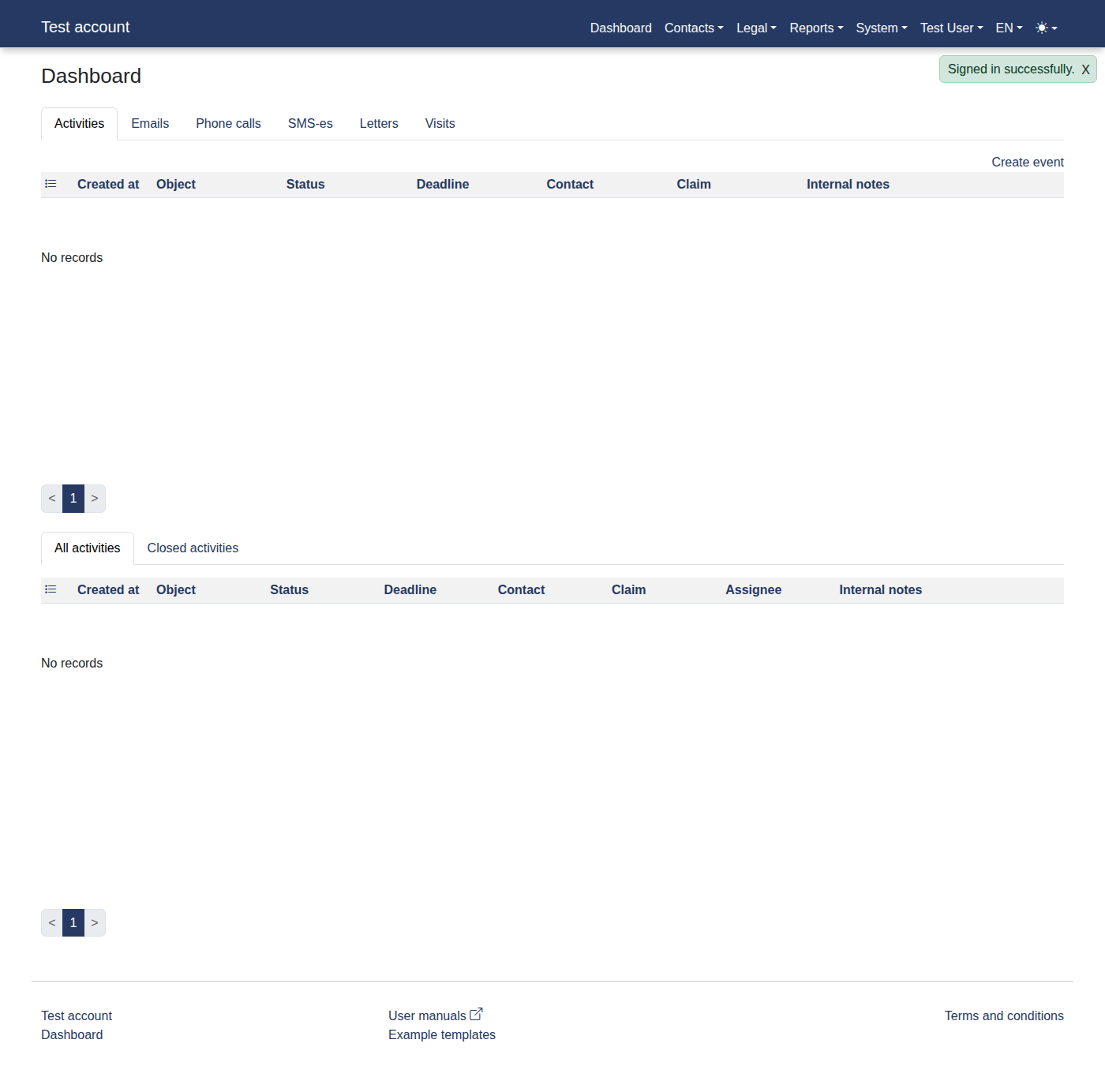
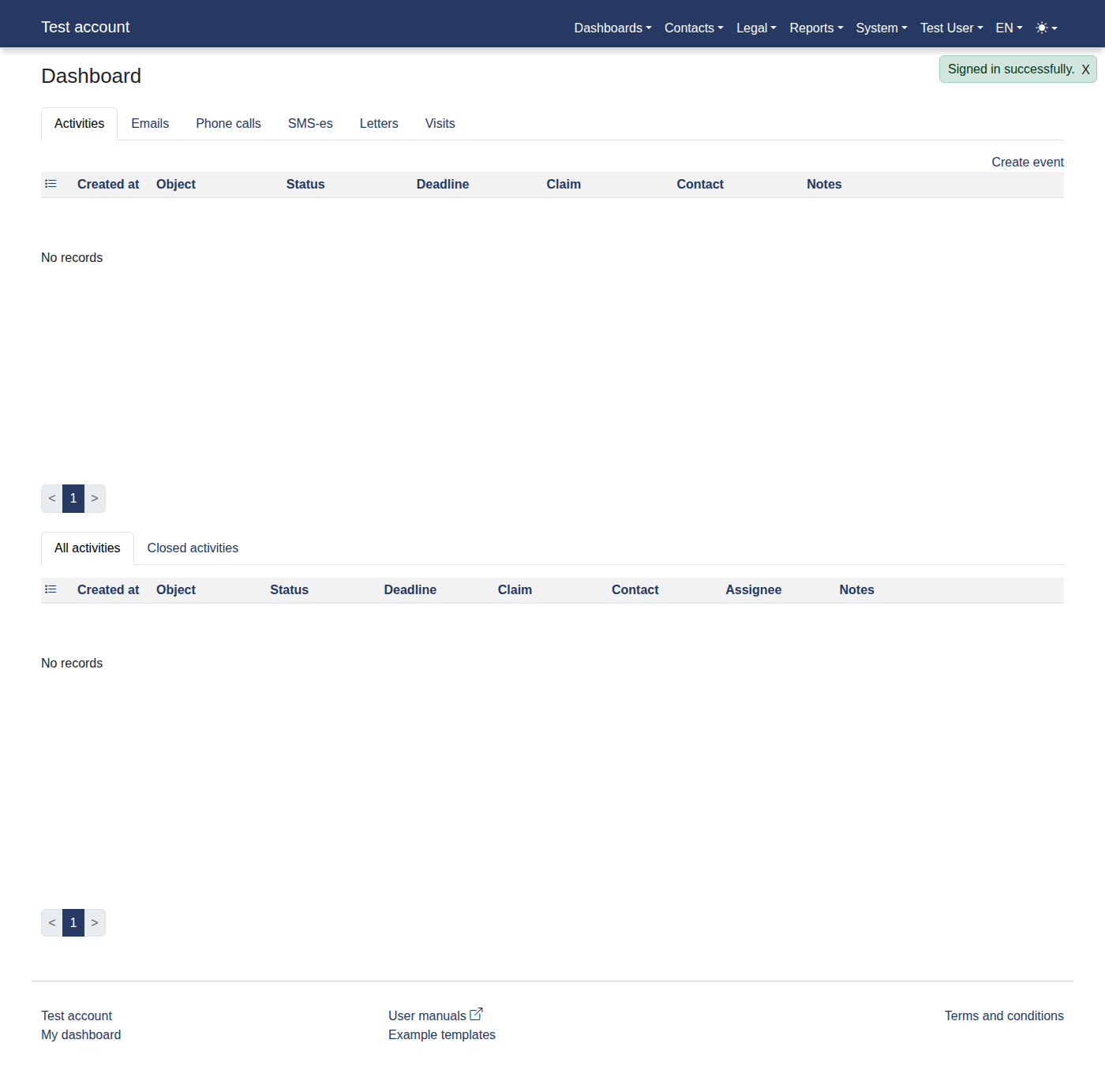
Please log in to the system to access "Dashboard".
-
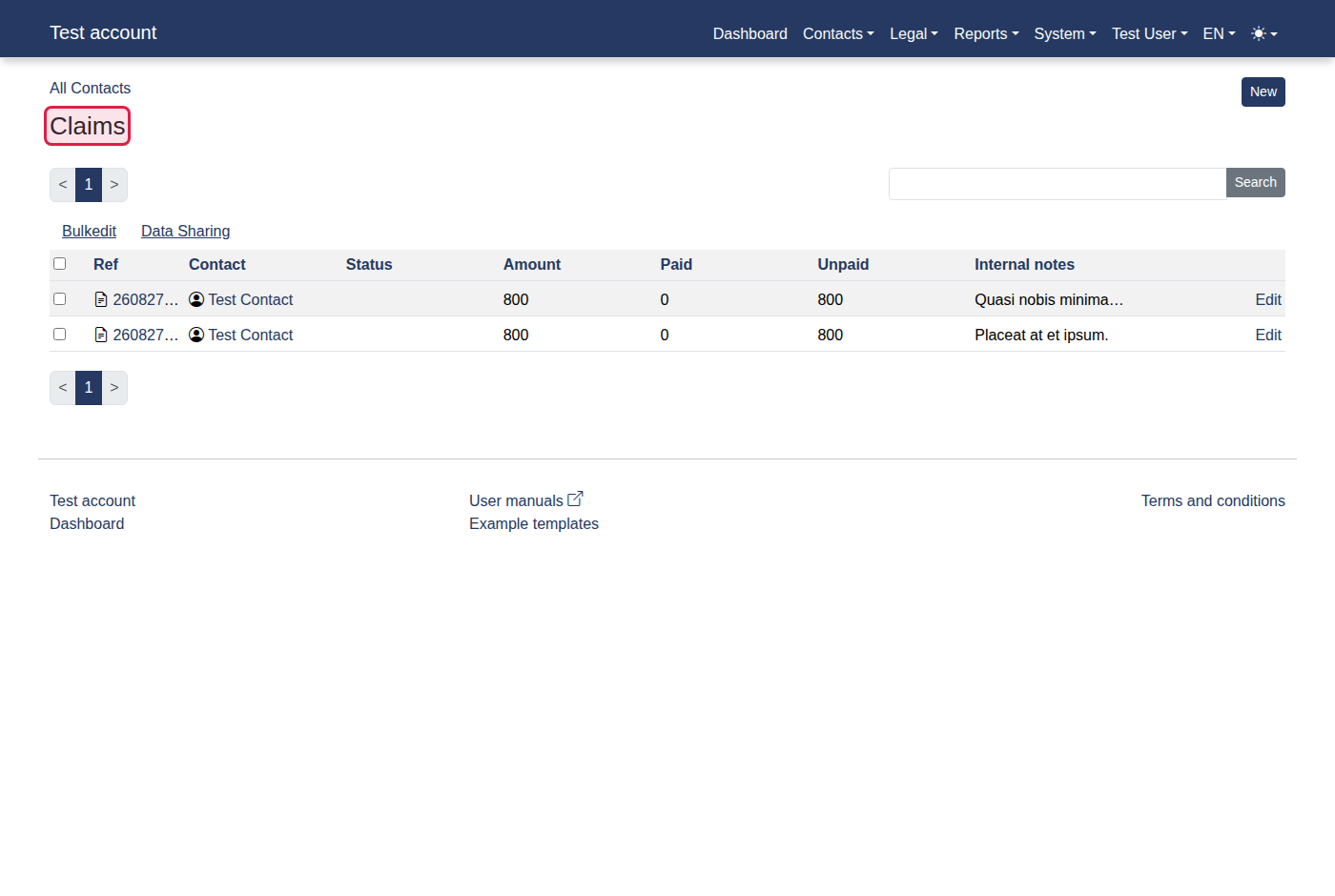
Click menu items: "Contacts -> Claims".
-
You should now see "Claims".
-
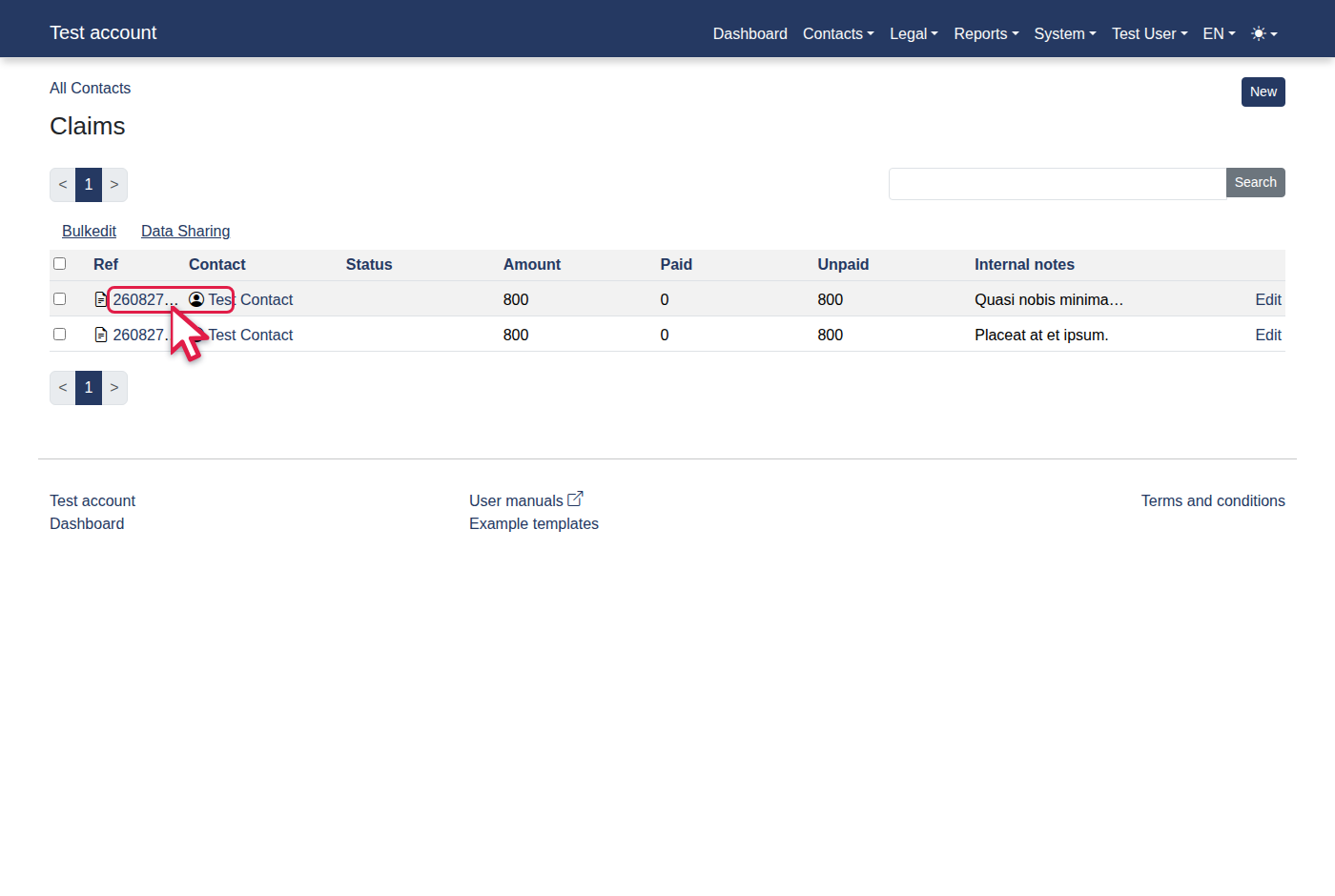
Click the "260827JXGWHB" link.
-
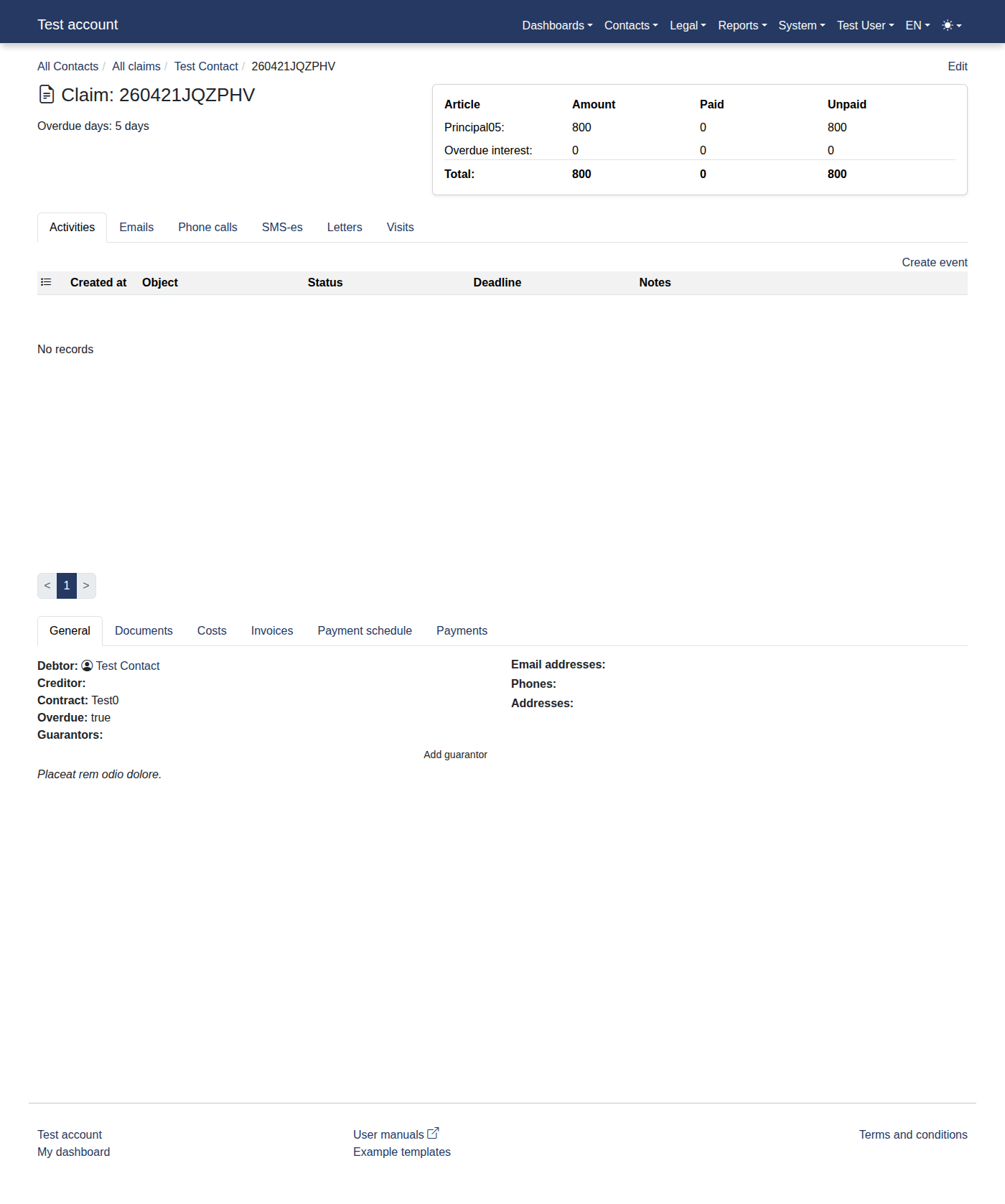
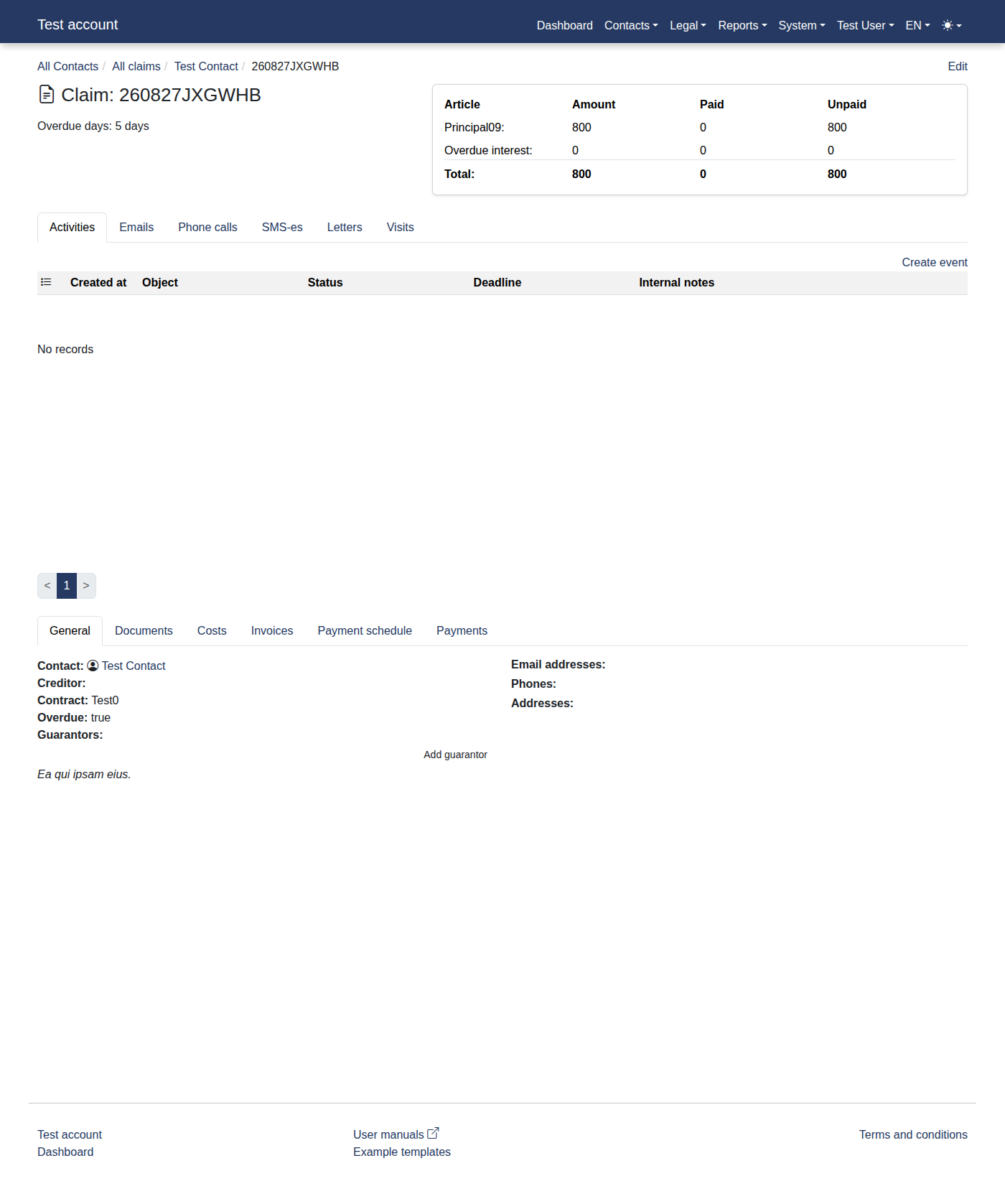
You should now see "Claim: 260827JXGWHB".
-
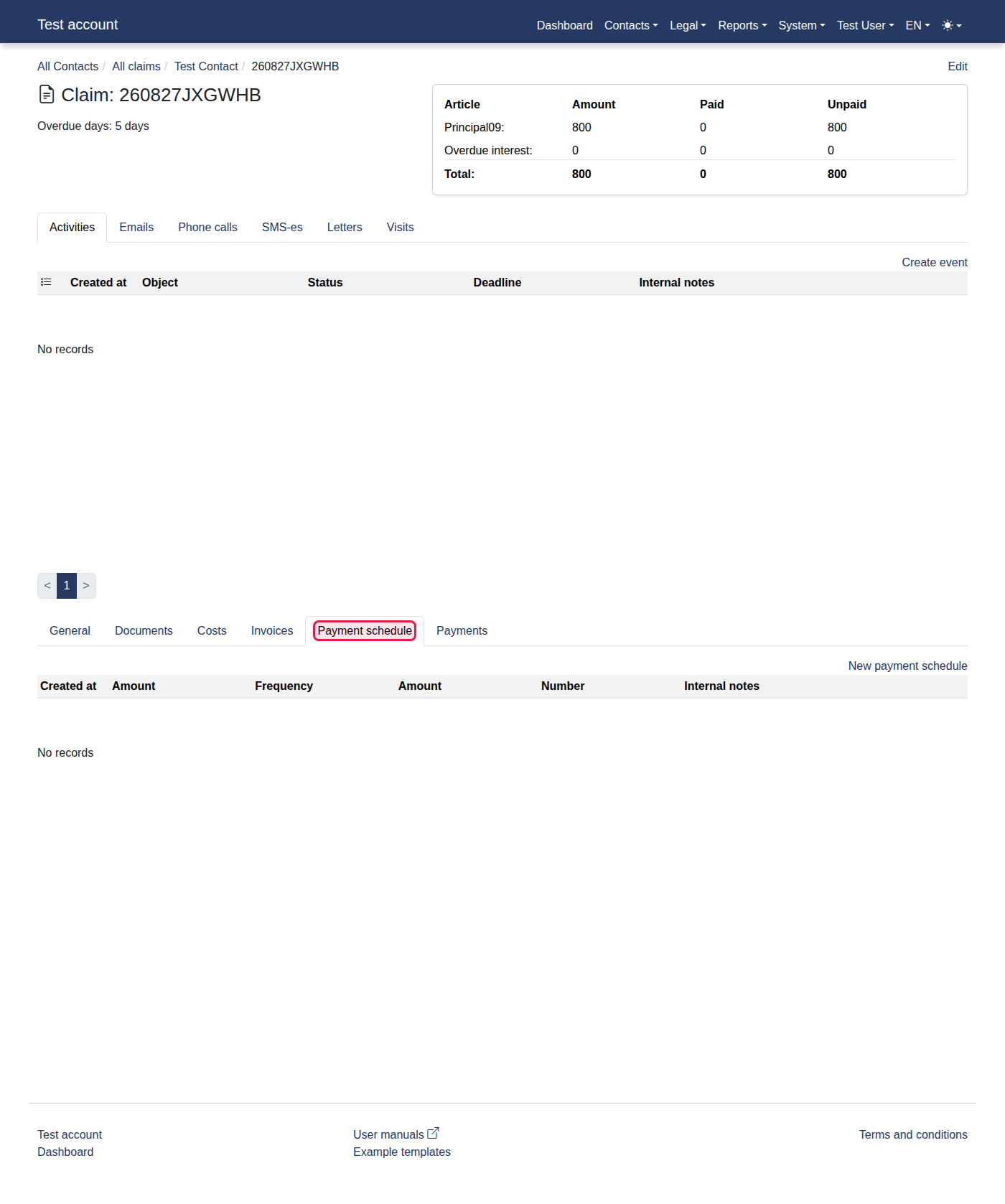
Press the "Payment schedule" button.
-
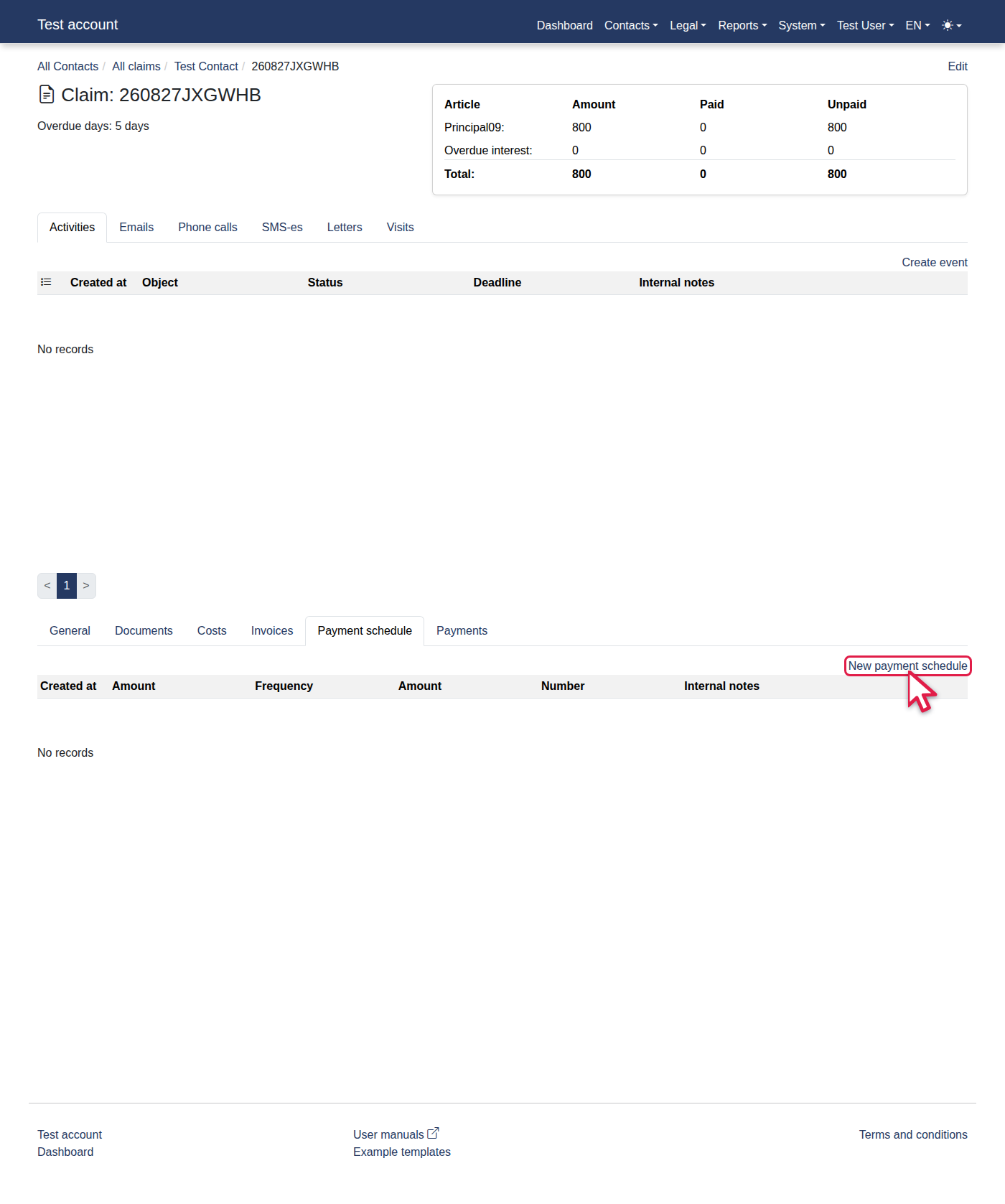
You should now see "Payment schedule".
-
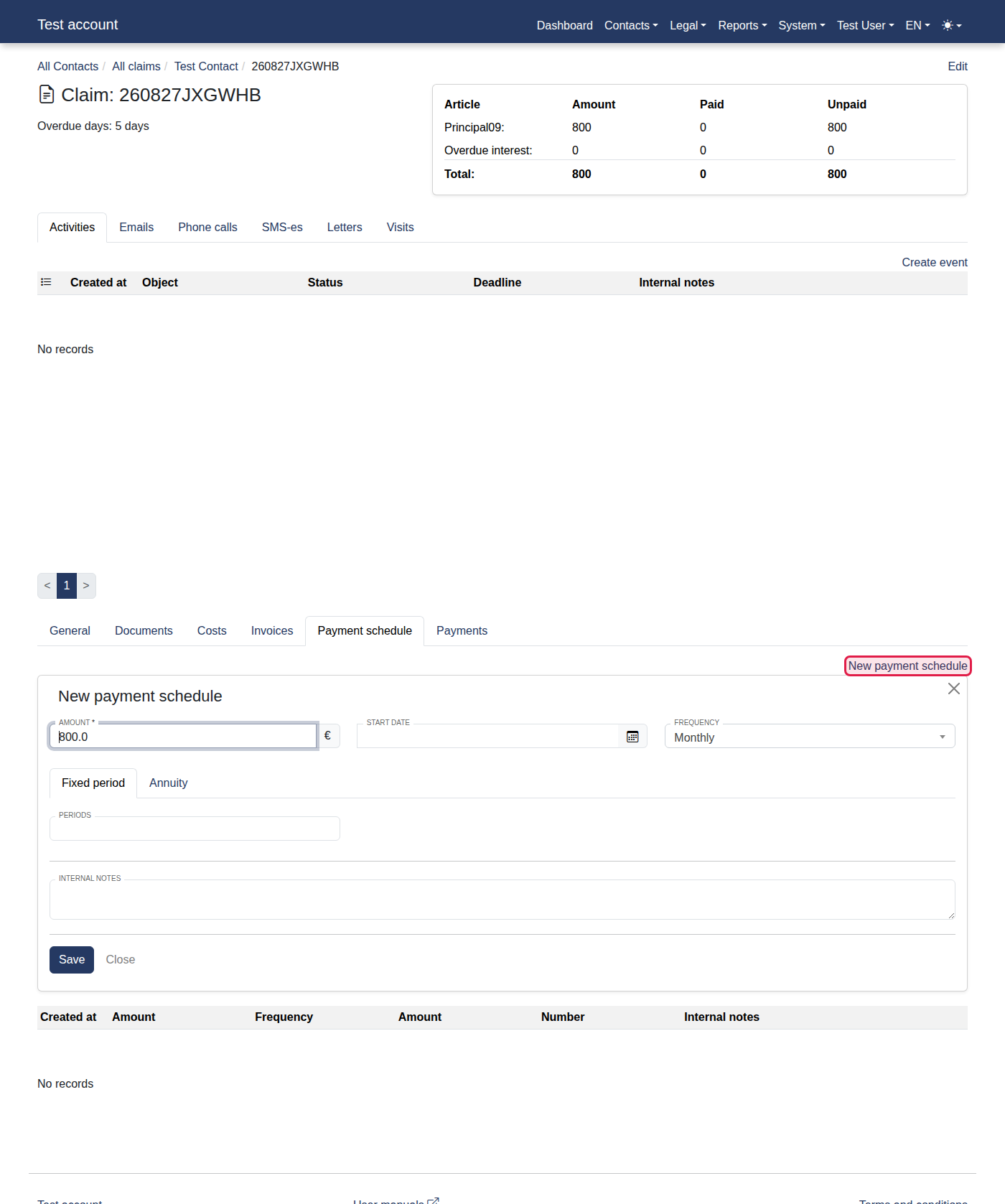
Click the "New payment schedule" link.
-
You should now see "New payment schedule".
-
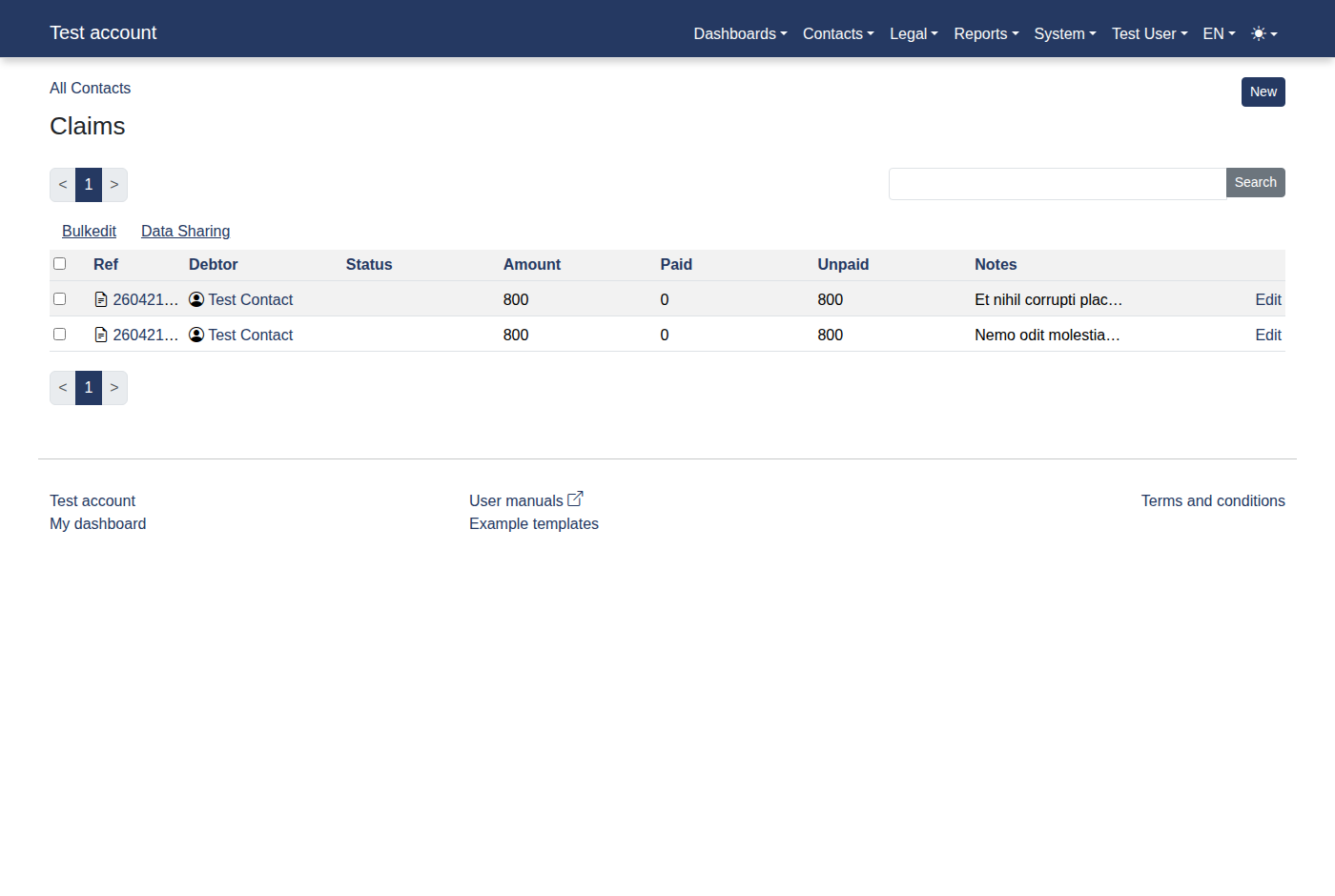
Fill in Periods with "12".
-
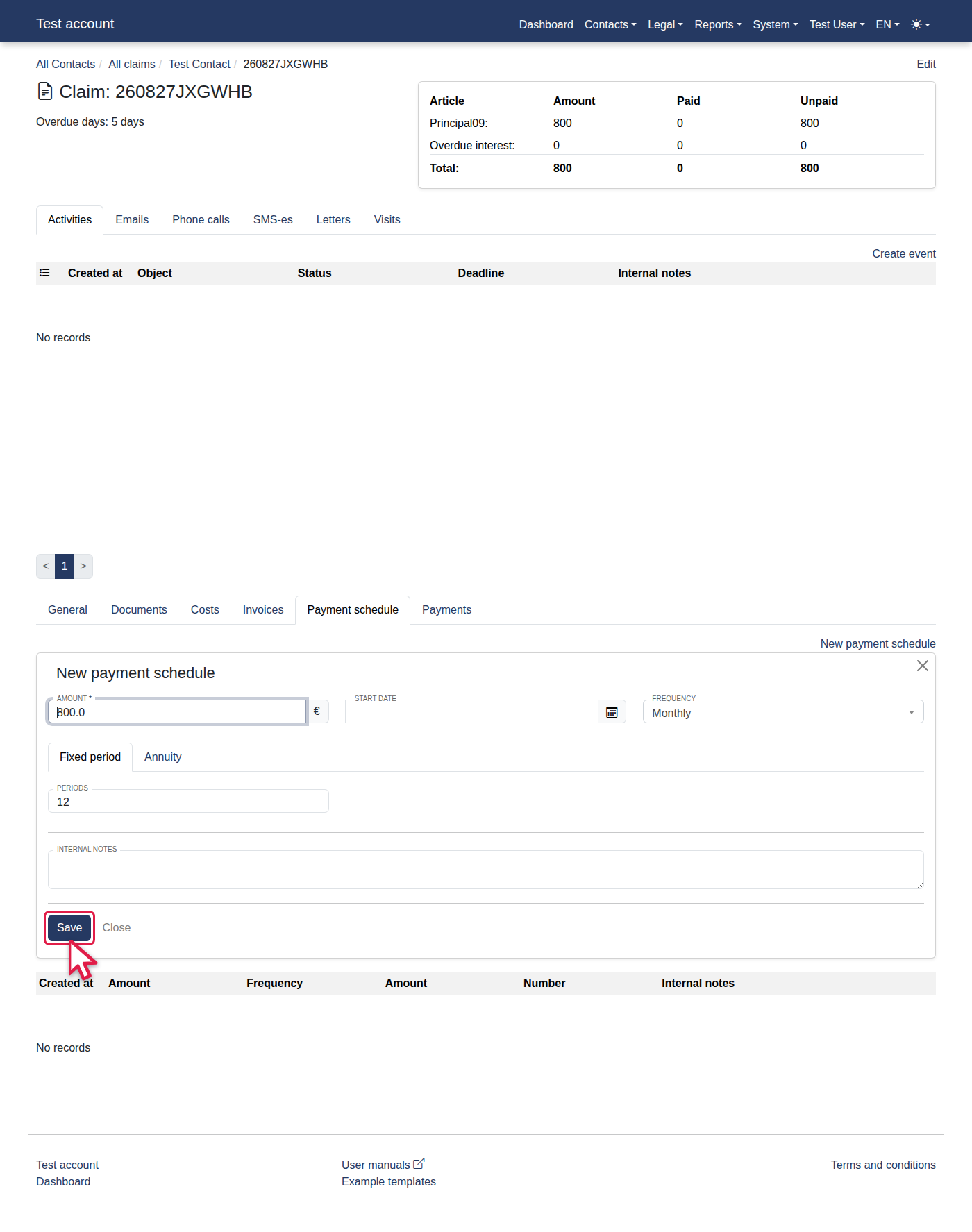
Click "Save".
-
You should now see "Payment schedule".